
Guide
OmniHuman 2.0 Guide: Turn One Portrait and One Audio Clip into a Talking Video up to 5 Minutes
Capabilities, input requirements, API calls, pricing and prompt tips
- Model
- omnihuman-2.0
On this page
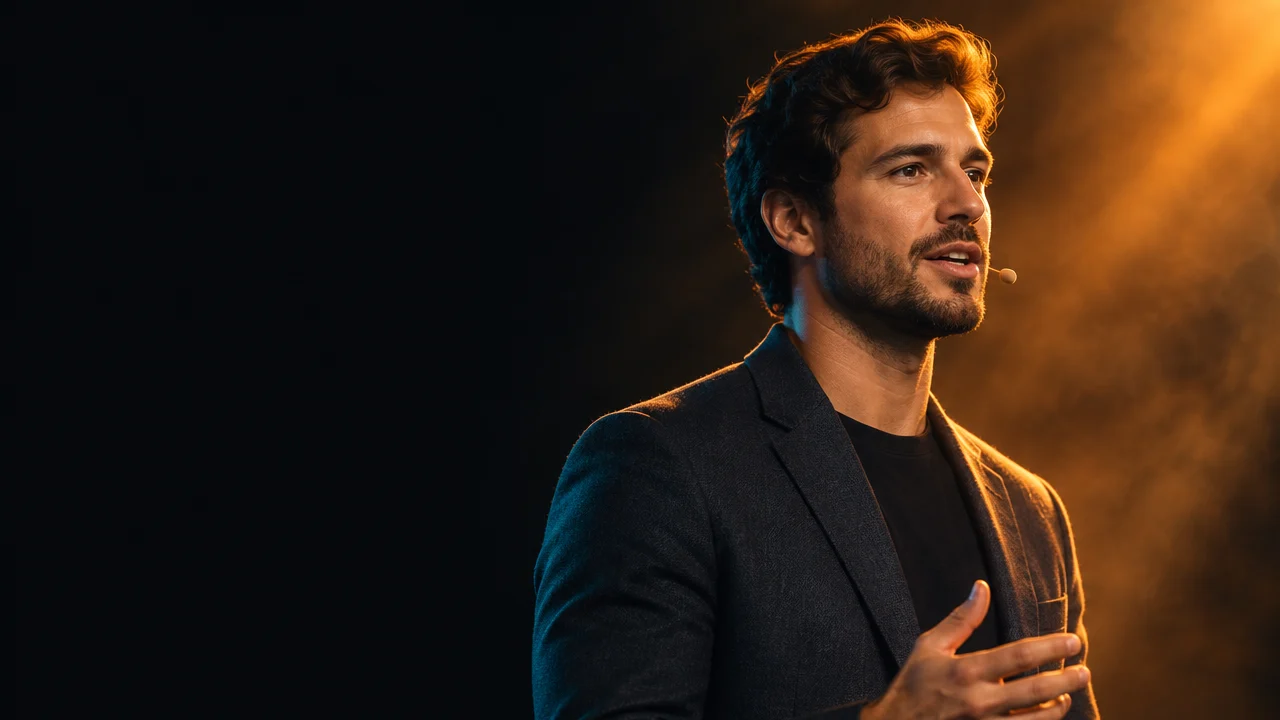
OmniHuman 2.0 is ByteDance's talking-avatar video model. Give it one portrait image and one audio clip, and it generates a video of that character speaking or singing, with lip movements, expressions and head motion following the audio. This post covers what it does, how to call it, what it costs, and when to pick something else.
What it does
- One image plus one audio clip: the only required inputs are the portrait
image_urland the driving audioaudio_url. No source video and no avatar training. - Video length equals audio length: audio can be 4–300 seconds, so a single continuous shot runs up to 5 minutes. Submit a long narration as one clip instead of cutting and stitching.
- Aspect ratio and resolution follow the portrait: a vertical image gives a vertical video, a horizontal image a horizontal one. For example, a 960×960 portrait produces a 960×960 video. There is no separate resolution parameter.
- Prompt-guided performance and camera: the optional
prompt(up to 300 characters) describes expression, gestures and camera movement, such as "smiles and nods, opens both hands naturally, slow push-in". Without it, the performance is driven by the audio alone. - No watermark, and the original audio track is included, ready for editing.
Input requirements
- Portrait: jpeg, png or webp, up to 10MB, width/height ratio 0.4–2.5, each side 300–6000 px. A clear, front-facing subject on a clean background gives the most stable results.
- Audio: mp3 or wav, 4–300 seconds, up to 15MB. Clean speech with little background noise gives more accurate lip-sync.
- Audio shorter than 4 seconds makes the task fail, and the charge is fully refunded.
How to call it
Submit an async task, then poll with the returned taskId:
curl https://api.hiapi.ai/v1/tasks \
  -H "Authorization: Bearer $HIAPI_KEY" \
  -H "Content-Type: application/json" \
  -d '{
    "model": "omnihuman-2.0",
    "input": {
      "image_url": "https://example.com/portrait.png",
      "audio_url": "https://example.com/voice.mp3",
      "prompt": "Smiles and nods, opens both hands naturally, slow push-in"
    }
  }'

curl https://api.hiapi.ai/v1/tasks/<taskId> \
  -H "Authorization: Bearer $HIAPI_KEY"
When the task succeeds, output contains the video URL. Generation time grows with audio length, so use a longer polling interval for long clips.
Pricing
Billed by output video duration at $0.10 per second, with no tiers:
- 10-second voiceover: about $1.00
- 1-minute explainer: about $6.00
- 5 minutes (the maximum): about $30.00
A hold based on the audio length is placed at submission and settled on the actual video length when the task finishes. Failed tasks are fully refunded.
Writing prompts
Write in the order expression or mood → gesture or action → camera, with two or three concrete actions. For example:
- News read:
Calm expression, slight nods while speaking, slow push-in - Product explainer:
Friendly smile, gestures toward the camera with one hand
When to choose something else
- If you need 1080p output, or the image has several people and you need to choose who speaks: OmniHuman 2.0 has no such parameters; use OmniHuman 1.5.
- If you need to re-sync lips in an existing video, or image-to-video without a voice: that is not what OmniHuman 2.0 is for; choose a video editing or image-to-video model instead.
To try it, upload a portrait and an audio clip in the HiAPI Playground.
Related articles
View all articles →-
Guide
Ideogram V3 Character Edit for E-commerce Product Images via the hiAPI API
A developer guide to consistent subjects, clean background swaps, and a working hiAPI request
10 min read -

Guide
Using happyhorse-1.1/reference-to-video via the HiAPI API: Prompt Recipes and a Short-Form Video Workflow
A developer's guide to organizing reference images, wording identity-preserving prompts, and pacing short-form clips through HiAPI
10 min read -

Guide
Using qwen-image-2.1-pro for E-commerce Product Images: API Usage and Prompt Recipes
An end-to-end developer guide: transparent PNGs, image editing, text rendering and copy-paste prompts with curl and Python requests
10 min read