
Guide
Using qwen-image-2.1-turbo for E-commerce Product Images via the HiAPI API
A developer-first workflow for fast catalog visuals, transparent PNG output, and a working API request

On this page
Where qwen-image-2.1-turbo fits
Catalog imagery is a throughput problem disguised as a creative problem. A single hero shot can be hand-crafted, but a storefront with thousands of SKUs needs consistent framing, predictable turnaround, and output that drops straight into an existing asset pipeline. The image model you pick decides how much of that pipeline you have to rebuild.
Three criteria usually dominate the decision:
- Latency under load. Nightly catalog jobs are batch jobs; a model that is pleasant interactively can still make a 10,000-SKU refresh painful.
- Output format fit. If your compositing stage expects alpha, a model that only returns opaque frames adds a segmentation step you now own.
- Prompt behavior on product language. Product prompts are short, concrete, and repetitive — a model that handles them consistently beats one that shines on open-ended artistic prompts.
This guide focuses on the first two criteria and the request pattern that connects them. We will look at where the turbo variant belongs in a product-image pipeline, how transparent PNG output changes your post-processing chain, and a request you can lift into a worker. It closes with batch-scaling concerns and a short comparison against the image-to-image approach for when text-driven generation is the wrong tool.

Transparent PNG output and your post-processing chain
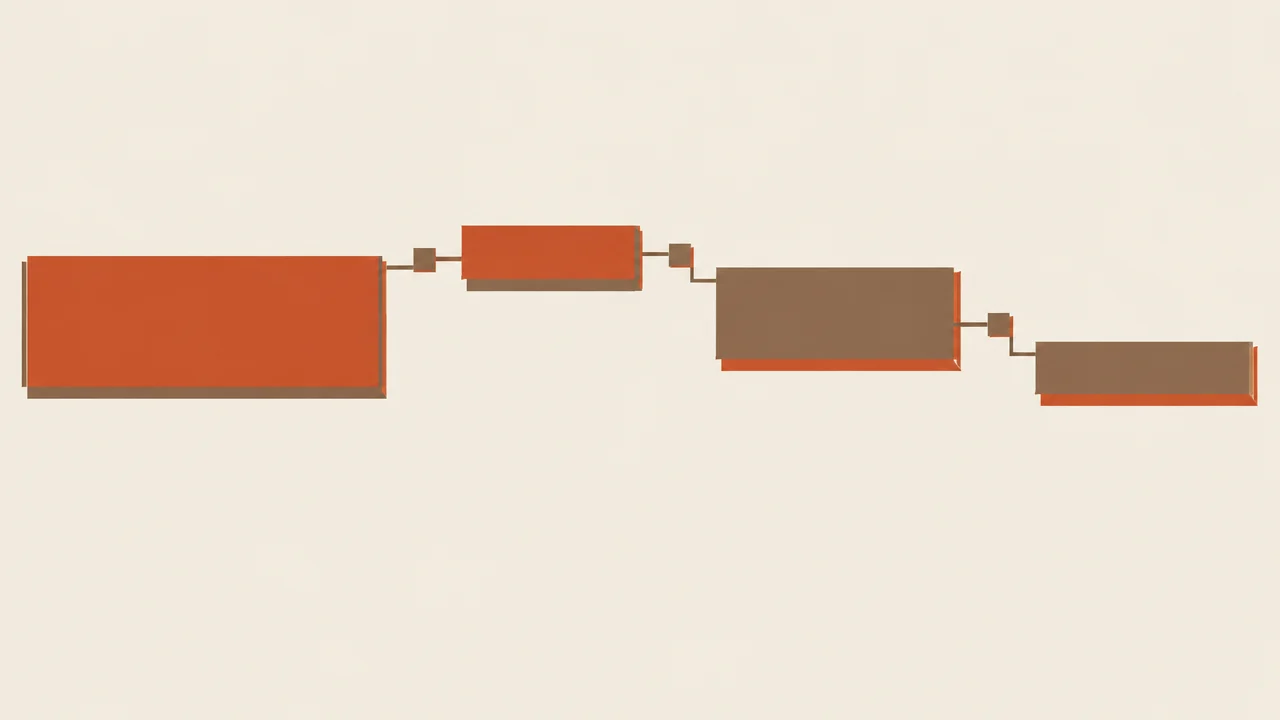
Think of a product-image pipeline as four stages: request construction → generation → output handling → publishing. The turbo variant is a deliberate bet on stage two being fast and cheap enough to run at catalog scale, which lets you spend your engineering budget on stages one and three instead.
When it is the right first choice
Pick qwen-image-2.1-turbo when:
- Your prompts are structured and repeatable — a template per category with slots for material, color, angle, and background intent.
- You need to generate many variants per SKU (angles, palettes, scene contexts) rather than one carefully art-directed frame.
- Your downstream compositing is already automated, so a clean cutout is more valuable than a fully finished scene.
- You want a text-driven baseline before introducing reference images.
When to reach for something heavier
If a single SKU needs a highly specific composition that must match a reference photograph, or if output quality on a complex scene is the constraint rather than volume, the turbo tier is the wrong default. In those cases, keep turbo for the bulk of catalog variants and route the handful of hero assets to a heavier generation path — the pipeline shape stays the same, only the model identifier changes.
Design for a swappable model slot
Because the turbo tier is a volume play, treat the model name as configuration, not as a hardcoded constant scattered through your codebase. One IMAGE_MODEL environment variable read at worker startup means you can A/B a different model on a subset of categories without touching the request code. That single decision is what makes the rest of this guide portable.
A working HiAPI request for product images
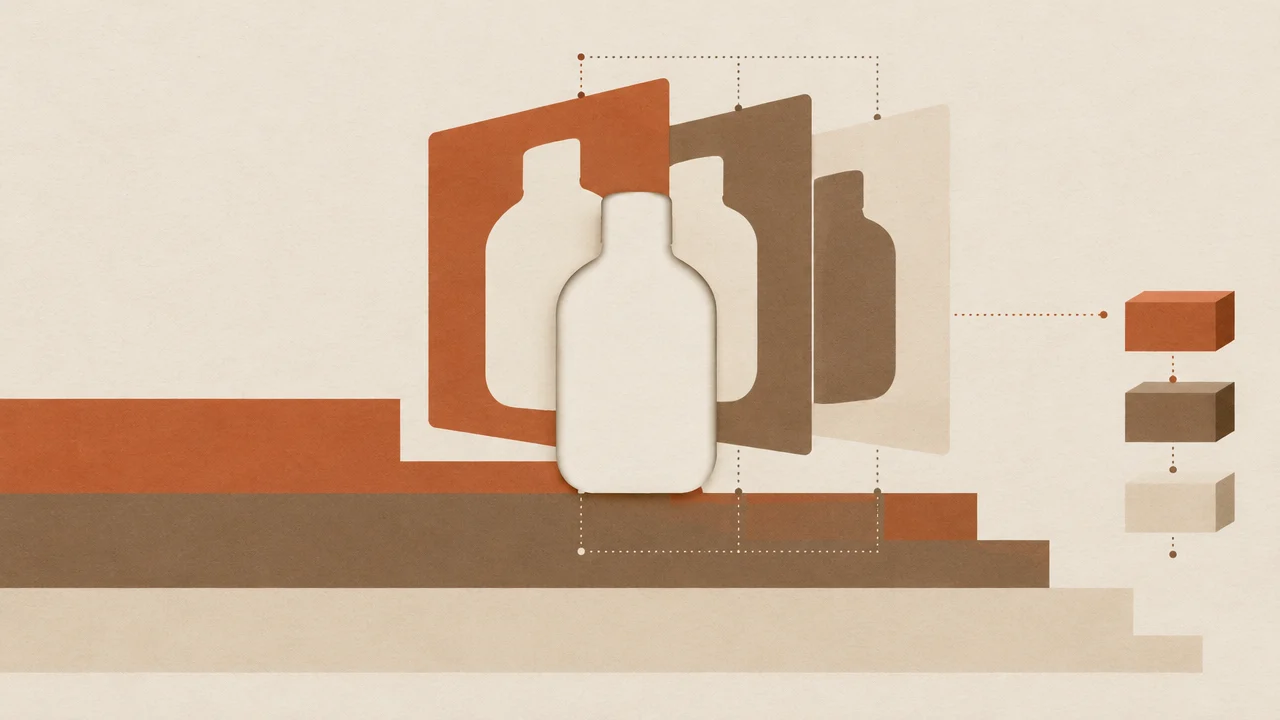
Transparent PNG is the highest-leverage output choice in a catalog pipeline, because it moves the expensive step — isolating the product from its background — upstream into generation. Instead of segmenting an opaque render, you receive an asset with an alpha channel and composite it yourself.
What changes downstream
With alpha in hand, background becomes a rendering concern rather than a modeling concern. The same cutout can be dropped onto a white studio field for the primary PDP image, a lifestyle scene for campaign slots, and a solid brand color for category tiles — all from one generation pass. That is the core economics: one product asset, many published variants.
Practically, plan for these steps:
- Validate the alpha. Check that the image actually has a non-trivial alpha channel and that the subject is not clipped at the frame edges. A cutout touching the border is a failed generation, not a compositing problem.
- Normalize the canvas. Resize and pad the cutout on a consistent canvas before compositing, so position is predictable across SKUs.
- Composite per surface. Keep background presets as data (size, color, optional backdrop asset) and render each surface from the same source PNG.
- Store the source, publish the renders. Persist the transparent original as the canonical asset and treat every composited variant as a derived artifact you can regenerate.
Watch the file-size tradeoff: alpha channels make PNGs larger, and catalog storage multiplies that by every variant. If your CDN serves WebP or AVIF, convert at publish time while keeping the PNG source.
Scaling to batches and avoiding integration pitfalls
Everything below runs against the HiAPI unified interface — one base URL, one credential, one request shape across models. Grab the exact parameter list and current field names from the qwen-image-2.1-turbo model page before you lock in a schema; the pattern here is what matters.
The request shape
A product-image call is a prompt plus an output specification. Build the prompt from a template so each SKU contributes only its variables:
import os, requests

HIAPI_KEY = os.environ["HIAPI_API_KEY"]
MODEL = os.environ.get("IMAGE_MODEL", "qwen-image-2.1-turbo")

def product_prompt(sku):
    return (
        f"studio product photo of {sku['name']}, {sku['material']}, "
        f"{sku['color']} finish, three-quarter view, soft even lighting, "
        "centered on a plain background, no text, no props"
    )

def generate(sku):
    resp = requests.post(
        "https://api.hiapi.ai/v1/images/generations",
        headers={"Authorization": f"Bearer {HIAPI_KEY}"},
        json={
            "model": MODEL,
            "prompt": product_prompt(sku),
            "transparent_background": True,
            "n": 1,
        },
        timeout=120,
    )
    resp.raise_for_status()
    return resp.json()
Two notes on the payload. First, request the transparent background explicitly — it is a parameter on the call, not something you infer after downloading. Second, keep n low per call and parallelize at the job level; a batch of one-image requests retries far more cleanly than one request for twenty images where a single failure costs you the whole set.
Handle the response defensively
The response carries image data (a URL or encoded payload, depending on the parameters you send). Treat the fetch as a separate failure domain from the generation: generation returns, then download, verify, and upload to your own storage. From that point on, your pipeline references your bucket, not a transient result — which is exactly what makes retries and re-renders tractable.
Comparing with the image-to-image path
The gap between a working script and a working catalog job is almost always in the boring parts.
Templatize prompts as data
Keep prompt fragments in a config file per category, not in code. Each SKU supplies slots; the category supplies the sentence frame and the negative constraints ("no text, no watermarks, no props"). When a category's framing is wrong, you fix one template instead of thousands of rows.
Retry with intent
Separate retryable failures (timeouts, transient server errors, rate limits) from terminal ones (invalid parameters, rejected prompts). Retry the first class with exponential backoff and a retry cap; fail the second class immediately and surface the reason, because retrying a malformed request just burns your queue. Idempotency matters here — key each job on SKU plus prompt hash so a retried job overwrites rather than duplicates.
Validate before the storefront sees it
Insert a validation gate between generation and publish. Cheap automated checks catch most bad output:
- Alpha channel present, subject not clipped at edges.
- Resolution meets your minimum for the largest surface you publish to.
- A perceptual hash against the current asset to flag accidental near-duplicates.
Route anything failing the gate to a review queue rather than dropping it. Silent failures are how a catalog quietly fills with wrong-colored products.
Watch the concurrency ceiling
Batch jobs tend to hit rate limits in bursts, not gradually. Cap worker concurrency below what you believe the limit is, make the cap configurable, and let the queue absorb the backlog. A throttled pipeline that finishes is better than one that thrashes.
Budget by output, not by request
Billing follows the output you generate, so track generated assets per SKU as your cost signal. When a category starts generating many variants per product, that is a prompt-design decision you should make deliberately rather than discover on an invoice.
Comparing with the image-to-image path
Text-driven generation is the right default when the product does not exist as a usable photograph yet — new SKUs before the studio shoot, variants in colors you have not photographed, or placeholder assets for a launch. The prompt fully describes the result, and the transparent output gives you a composable asset without a segmentation step.
The image-to-image path flips the input. You supply a reference image and the model works from it, which is what you want when fidelity to the real product is non-negotiable: matching the actual stitching, the real hardware finish, the exact shade a customer will receive. In that mode the reference is the constraint that keeps generation honest.
A practical split for most catalogs:
- Turbo text-to-image for volume — variants, backgrounds, category tiles, early-listing placeholders.
- Image-to-image for anything a customer will use to make a purchase decision where visual accuracy is the point.
The two share the same pipeline skeleton, so the switch is a model identifier plus an input field, not a rewrite. When you need reference-driven output, the qwen-image-3.0 image-to-image model slots into the same worker with a reference image alongside the prompt.
Start with the turbo path on one category, measure the validation pass rate, and expand from there — the model page lists the fields you need to wire up.
Related articles
View all articles →-

Guide
Tripo H3.1 Getting Started Guide: Choosing Among Three Input Modes, Parameters, and Pricing
A practical guide for developers on 3D generation integration decisions and cost control
-

Guide
Using topaz-upscale/video via the HiAPI API: A Short-Form Video Upscaling Workflow
Frame interpolation, enhancement settings, and a working HiAPI request for vertical video
10 min read -

Guide
Using gpt-image-2.5-sunburst/image-to-image for E-commerce Product Images via the HiAPI API
Reference images, background swaps, lifestyle scenes, and a working HiAPI request
13 min read