
Guide
Runway Aleph-2 Video-Edit Getting Started Guide: video-to-video capabilities, per-second pricing, and integration practices
A hands-on path for developers integrating video-to-video, from capability boundaries to cost estimation

On this page
What Aleph-2 Video-Edit is and who it is for
Runway Aleph-2 Video-Edit is a video output model offered by Runway, and its capability is positioned as video-to-video: you give it an existing video, and it gives you an edited video. It does not generate visuals from scratch; instead, it transforms and reshapes based on the input clip.
This makes its target users quite specific:
- Teams that already have footage and need to perform style or content-level transformations in batches;
- Developers whose product includes a "user uploads video → returns processed video" pipeline;
- Content teams that need controlled rewrites of existing shots rather than reshooting them.
Conversely, if your starting point is a single prompt and you have no input video, Aleph-2 Video-Edit is not a candidate; you should look for text-to-video models instead. It is best to make this judgment before writing the first line of integration code, because for a model billed by output duration, the cost of trial and error in the wrong direction accumulates by the second.
On HiAPI.ai, it is one of many video models accessible through a unified interface; see the model page at Runway Aleph-2 Video-Edit.
Capability boundaries of video-to-video
Stating the boundaries clearly is more useful than listing capabilities. Based on the model's capability labeling, the following points can be established:
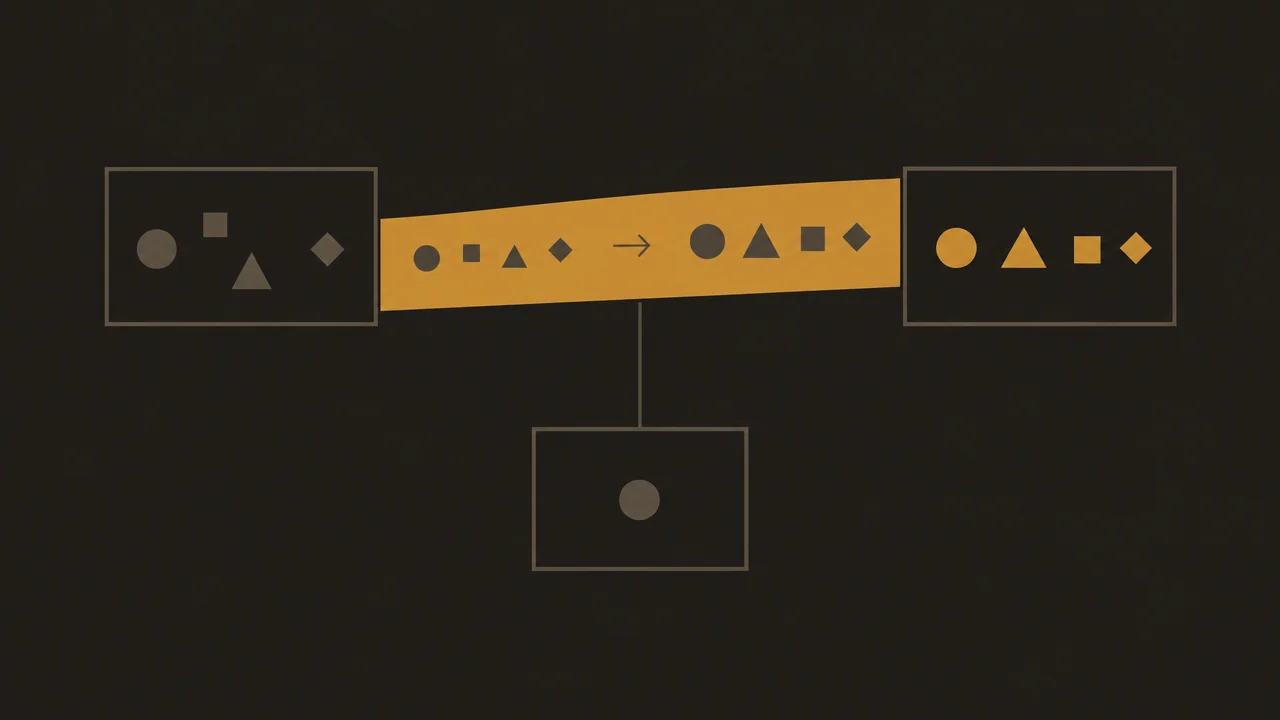
What it does: accepts video input and outputs video. The task is essentially "transformation based on existing visuals," and the composition, duration, and motion information of the input clip are the starting point for the result.
What it does not do:
- It does not do text-to-video. Without an input video, there is no output video; this is a matter of capability scope, not parameters.
- It is not a general-purpose editing tool. It does not handle timeline editing responsibilities such as splicing, transitions, subtitles, or audio mixing; these should be done with conventional tools before or after the call.
- It does not guarantee "lossless fidelity" to the input content. It is a generative transformation, and the output is new visuals produced by the model; expectations for detail consistency should be set as for a transformation model, not as for a transcoding tool.
There is another boundary that is easy to overlook: it is a single model, not a pipeline. If your requirements involve multiple processing steps (for example, crop first, then transform, then composite), you must orchestrate each step yourself, and the model's billing covers only its own step.
Per-second billing: what $0.48/sec means
The pricing basis for this model is billing by the number of seconds of output video, at a unit price of $0.48/sec. Two words are worth pausing on here: per second, and output.
Per second means cost has a linear relationship with duration, with no hint of tiers or packaged discounts. A 10-second output is 10 billing units; 30 seconds is 30. The cost curve is a straight line through the origin with a fixed slope.
Output means your budget anchor is not how long the input material is, but how long the returned result is. When budgeting, you should use the expected output duration as the basis, not the size or duration of the uploaded file.
An estimation framework can be built like this:
- Determine the expected output duration (seconds) for a single task;
- Multiply by the unit price to get the cost per task;
- Multiply by the estimated total number of tasks to get the batch cost;
- Then multiply by a failure-retry coefficient—under per-second billing, whether failed calls are billed and how many retries occur directly determine the magnitude of this coefficient, so be sure to follow the actual billing basis.
Here is a structural example (the numbers are for calculation illustration only; current prices are subject to the site's pricing panel): if a single output is 8 seconds, the cost per task is approximately 8 × unit price; for a batch of 50 tasks, the base cost is approximately 400 × unit price. What usually breaks the budget is not the unit price, but the underestimated coefficient in step 4.

Pre-integration preparation checklist
For per-second billed models, the most expensive mistake is "the call was sent, but the request itself was invalid." Moving verification earlier can save a large number of retries that incur invalid charges. Confirm each item before calling:
Input video specifications
- The input is indeed a video file and can be decoded normally;
- The duration is within your expected range—input duration affects the expected output duration, and therefore the cost;
- Resolution, encoding format, and frame rate meet the model requirements (follow the parameter descriptions on the model page; do not assume based on experience).
Output expectations
- Confirm that the output type is video and that downstream systems can receive that format;
- Clearly define the expected output duration and write it into the task configuration, rather than discovering afterward that it is longer than expected.
Requests and failure handling
- Align request body fields item by item with the parameter definitions on the model page, especially fields related to duration and output;
- Set timeouts for calls and distinguish between "request rejected" and "task execution timed out";
- Retries must have a cap and should only be performed for retryable error types.
This checklist may look trivial, but its purpose is to limit calls that may incur charges to the batch where "parameters are already correct."
Cost control and batch processing strategies
Per-second billing directly ties engineering decisions to the bill. Here are several practical approaches:
Validate with short clips first, then scale up. Use a few seconds of material to run through the complete pipeline—from request construction and task submission to result retrieval and file persistence. Do not touch long material before the pipeline works, and certainly do not submit in batches. This is the most effective tactic for controlling trial-and-error cost, bar none.
Control material duration. If the business only needs clip-level transformation, crop before calling; do not throw an entire long video in. Billing follows output duration, so cropping is the most direct cost-reduction method.
Set a hard cap on retries. For example, retry the same task at most N times, and after that move it to a manual investigation queue. Unlimited automatic retries under per-second billing are equivalent to unlimited budget burn.
Use success rate, not call count, as the core metric. A high call count may simply mean many retries. What you should really watch are "single-task success rate" and "cost per unit of effective output"; only these two metrics reflect whether the pipeline is healthy.
Queue batch tasks. Separate submission, polling, and persistence, and persist task state to avoid losing the results of already-billed tasks due to process restarts and being forced to rerun them.
Common issues and troubleshooting approaches
The most common pitfalls in the early integration stage basically fall into the following categories:
Submitting non-video-to-video tasks. The symptom is that the request fails directly, or the result is completely inconsistent with expectations. The first troubleshooting step is always to confirm the task type: Is there an input video? Is the requirement "transformation based on existing visuals"? If the answer is no, switching models is faster than tuning parameters.
Ignoring duration, causing costs to exceed expectations. Typical scenarios are using long material for validation, or batch tasks without an expected output duration. The troubleshooting method is reconciliation: compare the billed seconds in the bill with the output durations in task records one by one to find the source of the anomalous duration.
Parameters do not match material specifications. When resolution, format, or encoding is outside the supported range, failures often occur during task execution rather than at submission, making them look like "random failures." The solution is to perform specification validation before submission as a local gate.
Using a transformation model as a fidelity tool. Details in the output visuals are not completely identical to the input; this is a capability characteristic, not a defect. If the business requires pixel-level consistency, this model is not suitable for that task.
Suggested troubleshooting order: first verify input validity → then verify that parameters match the model definition → then check task status and error codes → only then suspect model behavior. The vast majority of problems can be located in the first two steps.

How to choose among other video models on the platform
When choosing a video model on HiAPI.ai, two dimensions are enough to filter out most options.
Dimension 1: Task type. If there is an input video and you need to transform based on it → prioritize Aleph-2 Video-Edit. If there is no input video and you need to generate from a prompt → rule it out directly and look for a text-to-video model. The judgment on this dimension is binary and requires no trade-off.
Dimension 2: Billing method. Aleph-2 Video-Edit bills by output seconds, and cost grows linearly with duration. This means it is naturally suited to tasks with controllable duration, and less friendly to tasks with uncontrollable duration that require repeated generation to pick the best result—the latter pays per second for every attempt.
Looking at both dimensions together makes the criteria clear:
- Material already exists, output duration can be estimated, and execution is stable in batches → it is a suitable choice;
- Generation from scratch, needing to pick one from many candidates, and duration is uncontrollable → switch to a model with a better-matched billing basis;
- Both are needed → split it into two pipeline stages; do not expect one model to cover the entire workflow.
Next step: get the first pipeline working on a short clip
Do not start with a complete project. Pick a few seconds of material, go to the Runway Aleph-2 Video-Edit page to verify the parameter definitions and current billing basis, construct a minimal request, and walk through the entire pipeline of "submit → wait → retrieve result → persist to disk."
Once the pipeline works, add validation, duration cropping, and retry caps according to the checklist above, and only then talk about scaling up. For models billed per second, starting slowly is actually the fastest path to the finish line.
Related articles
View all articles →-

Guide
meshy-6/image-to-3d Getting Started Guide: Capability Boundaries, API Parameters, and Pricing Practices
From image to 3D asset: what you need to understand before integrating a third-party image-to-3D model
-

Guide
Meshy-6 text-to-3d Getting Started Guide: Capability Boundaries, Pricing, and Integration Practices
From parameter design to cost control: integrate text-to-3D models into your workflow
-

Guide
LTX-2.5-Fast Text-to-Video Prompts: Copy-Paste Recipes for Developers
Reusable prompt patterns for storyboarding, native audio, and duration control
10 min read