
Tutorial
Wan-2.2 Animate/Replace in Practice: 5 High-Value Video Replacement Use Cases and Integration Essentials
From scenario judgment to cost accounting: a developer guide to implementing video-to-video capabilities

On this page
First, understand what video-to-video can replace
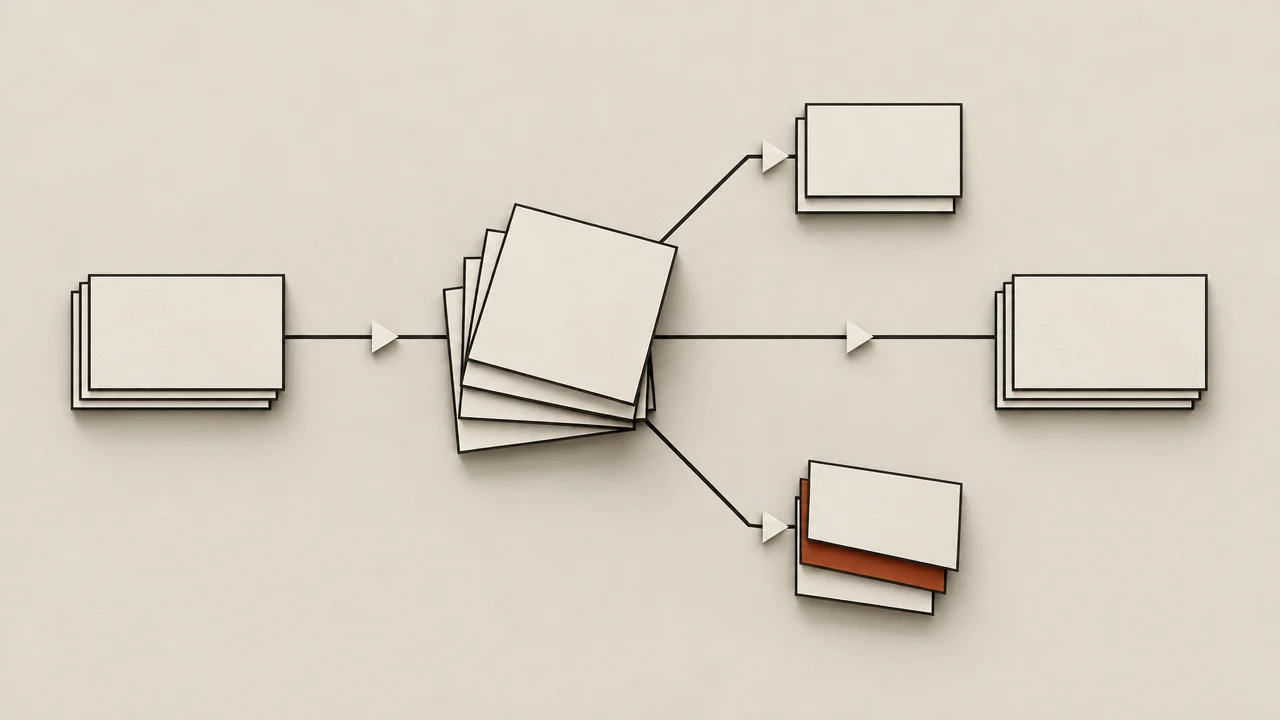
wan-2.2-animate/replace is a video-to-video video model provided by Alibaba, and its output type is video. It differs from the "text-to-video" approach: text-to-video builds visuals from scratch, while video-to-video starts from a piece of footage you have already shot or generated, and the model performs replacement and transfer on top of that footage. Breaking down the name makes this more intuitive—animate focuses on "motion," replace focuses on "swapping," and the shared premise of both is that the input video already provides the motion structure on the timeline, the camera rhythm, and the compositional skeleton.
This positioning determines its input and output form: the input is a source video, and the output is a video on the same timeline after replacement or redrawing. What the model needs to do is change specific content in the frame while preserving overall temporal order and motion continuity. So to judge whether a requirement falls within the capability boundary, you only need to ask one question: Do I already have everything outside the frame?
You can use the pair of concepts "retain / replace" for a quick self-check. The suitable case is "retain as the subject, replace as a local part"—you have usable motion, camera work, and composition, and only want to swap out one layer of content; the unsuitable case is the opposite: there is no footage, yet the model is expected to invent a complete narrative shot, which belongs to the realm of text-to-video, and forcing video-to-video onto it will only produce unstable results that are hard to accept.
From an engineering perspective, there is another easily overlooked boundary: the output quality of video-to-video depends heavily on the quality of the input footage. The clarity, stability, whether the subject is occluded, and whether the lighting is even in the source video will all be directly passed through to the output. Understanding this type of model as "a redrawing amplifier for high-quality footage" rather than "a repair tool for low-quality footage" will make scenario screening and troubleshooting much smoother later.
Scenario screening: what kind of requirements are worth using video replacement for
Video model calls are much slower and much more expensive than image calls, so the screening stage must be stricter than for image scenarios. The four criteria below can serve as a quick filter; only when three or more of the four are met is it worth moving on to technical validation.
First, is the footage already available? If the business team already has live-action video, existing animation assets, or historical stock video, video-to-video is a low-cost way to reuse them; if the visuals must be conceived from scratch every time, then what you actually need is a different capability.
Second, is the replacement local? Requirements that can clearly state "what to retain and what to swap out" are the most controllable, such as retaining motion while changing the character, retaining the camera shot while changing the background, or retaining the composition while changing the product. If the requirement is "redo the whole thing," the acceptance criteria immediately become vague, and uncontrollable results and repeated requirement changes will follow.
Third, is the duration controllable? Video is billed by the second, so duration is the cost itself. Scenarios suitable for launch are usually short video clips ranging from a few seconds to a dozen or so seconds, not entire long-form content. Whenever the requester cannot clearly state the target duration, do not take it on yet.
Fourth, is the manual cost high? This determines ROI. If the same task can be completed manually with a few minutes of editing and with stable results, introducing a video model only adds pipeline complexity; only when manual processing takes several tens of minutes per clip, requires professional skills, or must be repeated at scale does video replacement start to pay off.
Conversely, the following types of requirements should be excluded directly: compliance-related footage with strict consistency requirements for visual details, scenarios requiring pixel-level restoration, long videos that run for several minutes, and requirements whose acceptance criterion is only "looks good" with no quantifiable metrics. Introducing a video model for these requirements usually leads to an acceptance deadlock right after the first integration test.
A breakdown of the 5 high-value use cases one by one
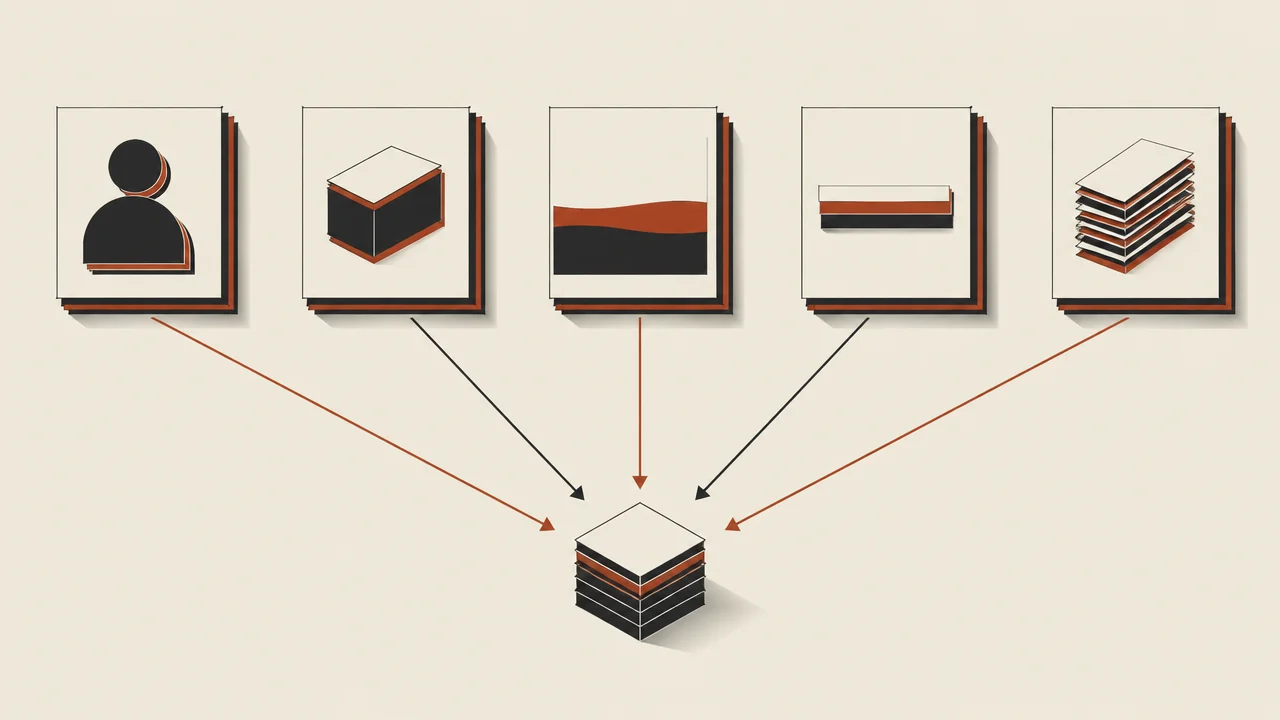
The following 5 scenarios all meet the screening criteria in the previous section. Their respective value, footage requirements, pipeline, and acceptance methods are described below.
Scenario 1: Character and person replacement
The business value lies in reusing existing motion and performance footage while changing the on-screen persona, for example adapting the same motion template to different virtual avatars, or adjusting the on-screen character without reshooting.
Input footage requirements: the subject in the source video is clear, with little occlusion, moderate motion amplitude, even lighting, and as simple a background as possible to reduce interference.
Call pipeline: submit the source video → asynchronous task processing → retrieve the result → manual spot check.
Acceptance criteria: motion aligns with the original video's timing, no jumps at the subject's edges, no obvious flicker between frames, and no abnormal deformation of the face or limbs.
Scenario 2: Product and object replacement
Change the product appearance or category within an existing display shot, suitable for serving multiple product assets with the same camera movement template.
Input footage requirements: the object's proportion in the frame is stable, it is not frequently occluded, and reflective and transparent materials must be handled carefully (these materials are the easiest to reveal artifacts).
Acceptance criteria: the object matches the original video's perspective and motion, the lighting direction is consistent, and there are no residual edges of the old object.
Scenario 3: Background and scene replacement
Retain the foreground subject and replace the surrounding environment, used to produce multi-version scene assets at low cost, for example adapting the same demo video to different usage scenarios.
Input footage requirements: there is relatively clear separation between the foreground subject and the background, and the subject's edges should not be too close in color to the background.
Acceptance criteria: clean foreground edges, coordinated lighting direction between the subject and the new background, and a background that remains stable without drifting under camera movement.
Scenario 4: Replacement of a content layer in the frame
Replace a separable layer of content in the frame, such as an illustrative element on screen or a local component in a display layout. It is more conservative than redrawing the entire frame and is suitable for occasions that need to preserve the overall look of the original footage.
Input footage requirements: the target layer has a stable position in the frame and does not deeply overlap with other elements.
Acceptance criteria: the replacement layer is consistent with the original video in timing and perspective, and does not affect the rest of the frame area.
Scenario 5: Batch reprocessing of stock footage
Applying any of the above replacement actions to batches of historical footage is the most scalable direction for this capability: stock video is invested in once and reused many times.
Input footage requirements: footage in the same batch should have specifications as uniform as possible (resolution, duration, composition); otherwise, it needs to be processed in groups.
Call pipeline: ingest footage and normalize specifications → submit in batches → poll and collect → unified spot check.
Acceptance criteria: consistency of results within a batch takes priority over the extreme result of a single clip, and a spot-check ratio and rules for rolling back failed items must be set.
These 5 scenarios share the same integration path; see the model page for details: wan-2.2-animate/replace.
Using per-second pricing to infer the cost of a single call
wan-2.2-animate/replace is billed by output seconds, with a public price of $0.0429/second. This billing method is actually quite friendly to engineering teams—the cost formula is very direct:
Single call cost ≈ output video seconds × per-second unit price
Note that the basis is output seconds, not input seconds, nor the number of calls. This means two things: first, controlling duration equals controlling cost, and the most effective cost lever on the product side is the duration cap, not concurrency; second, budgeting the same batch of footage by "number of clips" will be distorted, and it must be converted into total duration. For example, for a batch of 10 clips of 8 seconds each, the budget should be estimated based on a total output duration of 80 seconds, not on 10 calls. For specific amounts, please refer to the real-time data on the site's pricing panel.
On the product side, it is recommended to write cost constraints into the design rather than into documentation:
- Hard duration cap: validate the output duration at the submission entry point, and reject directly if it exceeds the limit, rather than notifying afterward.
- Quota by user dimension: use "available video seconds" rather than "number of calls" as the quota unit, aligned with the billing basis.
- Make the semantics of no duplicate billing on failure clear: the retry strategy must work with failure determination to avoid amplifying costs through invalid retries.
- Display estimated values for batch tasks: provide an estimate of "total output seconds" before submission so that operators have expectations about cost.
There is another easily overlooked point: the consumption of retries and secondary adjustments must also be included in the cost model. A single video often does not succeed on the first try, so actual unit cost should be amplified by the "average number of attempts" before evaluating ROI.
Integration pipeline and asynchronous processing essentials
Video tasks take much longer to process than text or image requests, so the API must be in asynchronous task mode, and the integration design should revolve around the three-stage pattern of "submit—poll—retrieve."
Submission stage. The request is only responsible for creating a task and returning a task identifier; do not wait synchronously for the result within the submission request. Complete all validations before submission: footage reachability, format and duration, and parameter completeness. Parameter errors should be caught here, not after the task fails dozens of seconds later.
Polling stage. Polling needs a backoff strategy; do not poll at a fixed high frequency. It is recommended to use a short initial interval, gradually lengthen it, and set an overall timeout cap. The responsibility of polling is only to "ask for status"; the information that truly needs to be persisted is the task identifier and the state transition records.
Retrieval stage. A successful response usually contains a result address rather than the result body itself; after retrieval, it should be immediately transferred to your own storage to avoid the result address expiring. This step must be treated as seriously as handling success; otherwise, there will be silent failures where "the task succeeds but the artifact is lost."
Failure and retry. Distinguish two types of failure: retryable (timeout, temporary unavailability) and non-retryable (non-compliant footage, invalid parameters). The former should be retried a limited number of times with exponential backoff, while the latter should be terminated directly and the specific reason reported. Retries must have an upper limit, in coordination with the cost control in the previous section.
Idempotency and state machine. Maintain a clear state for each task: submitted, processing, succeeded, failed, canceled. Repeated submission of the same footage should use an idempotency key to avoid duplicate billing caused by users clicking repeatedly.
There are two more practical suggestions on the client side: first, make long tasks an experience with queryable progress rather than letting the page wait idle; second, the expected waiting time displayed on the front end should be slightly longer than the validated P95 duration to reduce users abandoning midway.

Common failures and troubleshooting order
When a task fails, the worst thing to do is retry blindly—every invalid retry burns cost. Troubleshooting in a fixed order can pinpoint most problems on the first attempt.
Step one: check the footage itself. This is the most frequent source of failure. Check whether the resolution is too low, whether the duration exceeds the limit, whether the format is within the supported range, and whether the file can be decoded normally. Corrupted footage or encoding anomalies often manifest as a task failing midway and are easily misjudged as model problems.
Step two: check whether the footage quality is sufficient. Being decodable does not mean the footage is suitable for replacement: whether the subject is severely occluded, whether the camera shakes violently, whether the lighting is too dark, and whether the target layer is hard to separate from the background. This type of failure does not report an error; instead, it manifests as poor output quality and must be found through spot checks.
Step three: check the parameters. Whether the replacement target is clearly described, whether the output duration matches the actual requirement, and whether any required fields are missing. Parameter problems are characterized by "fast failure," usually returning within dozens of seconds, which can be used to distinguish them from footage problems.
Step four: check the asynchronous pipeline. If the task shows success but the result cannot be obtained, the problem is most likely in the retrieval stage: expired result address, failed transfer, or incorrect permission configuration. This type of problem usually looks normal in the logs, so the storage side must be checked separately.
Step five: only then suspect the service side. After the first four steps are ruled out, check whether there is a period of service fluctuation and handle it as a retryable failure.
Turning the troubleshooting order into a script or checklist is far more reliable than relying on individual experience. In addition, record "footage characteristics + parameters + failure stage" for each failure; after accumulating for a while, the patterns in the failure distribution will naturally emerge.
Pre-launch acceptance checklist
Finally, here is a directly executable launch checklist covering every link from footage to fallback handling.
Footage specifications
- Clearly define supported formats, resolution ranges, and duration caps, and write them into entry validation.
- Define minimum footage quality requirements for each scenario type (clarity, occlusion, shaking, lighting), and provide prompts before submission.
- Establish quick rollback rules for non-compliant footage so that it does not enter the billing pipeline.
Cost caps
- Use output seconds as the sole cost basis for budgeting and quotas, and set a per-clip duration cap and user-available seconds on the product side.
- Amplify unit cost by the "average number of attempts" before evaluating ROI, to avoid underestimating based on one success.
- Set a total duration cap for each batch submission to prevent large consumption caused by operational mistakes.
Failure fallback
- Distinguish retryable and non-retryable failures, set a retry cap, and use backoff.
- Immediately transfer results to your own storage after retrieval, and verify that the transfer succeeded.
- Put the state machine and idempotency key in place to eliminate duplicate billing caused by repeated submission.
Result spot checks
- Define quantifiable acceptance items for each scenario type (timing alignment, clean edges, consistent lighting, inter-frame stability).
- Spot-check batch tasks at a fixed ratio, and roll back the entire failed batch rather than patching item by item.
- Increase the spot-check ratio in the early launch period and lower it after stabilization.
Launch pace
- First validate quality and cost with a small batch of real footage, then open the entry point.
- During the gray-release period, limit concurrency and total duration, and observe whether the failure rate and unit cost meet expectations.
The value of video-to-video lies not in "what it can generate," but in "what it can reuse from existing footage." Only by doing scenario screening upfront and making cost and fallback handling default design can this capability stably become part of the product. For more parameter and usage details, start from the wan-2.2-animate/replace model page.
Related articles
View all articles →-

Tutorial
Meshy-6 Text-to-3D in Practice: 5 High-Value Application Scenarios and Integration Essentials
-

Tutorial
meshy-6/image-to-3d in practice: 5 high-value use cases and key implementation points
From one image to a usable 3D asset: a cross-cutting view of cost, quality, and engineering integration
-
Tutorial
ltx-2.5-fast/audio-to-video in Practice: 5 Practical Audio-Driven Video Scenarios
A scenario-selection and implementation checklist for developers, from API integration to cost estimation