
Guide
Wan2.7 Image-to-Video Short-Form Video Workflow via the HiAPI API
A developer's guide to first-frame choice, shot & pacing prompts, aspect ratio, duration, and batch generation
On this page
Why Image-to-Video Fits Short-Form Production
Short-form video is a volume business. A single clip is rarely the deliverable; the deliverable is a steady stream of clips that share a look, a rhythm, and a publishing cadence. That requirement shapes the tooling you pick more than any single output quality metric does.
Image-to-video is a strong fit for this because it turns a still frame into the primary control signal. Instead of describing a whole scene in text and hoping the model lands on the composition you had in mind, you hand the model a frame you already approved: the subject is where you put it, the crop is what you composed, the light falls the way you lit it. The generation step then becomes about motion — how the subject moves, how the camera moves, how fast the shot breathes — rather than about conjuring a scene from scratch.
That division of labor matters for a team. Stills can be produced, reviewed, and approved by people who are good at composition, using whatever pipeline you already have. Motion is then a smaller, more testable problem. When a clip comes back wrong, you can usually tell whether the fault was in the frame or in the prompt, which is exactly the kind of bisection you want when you are producing dozens of clips a week.
The end-to-end pipeline on HiAPI stays deliberately boring:
- Produce or select a first-frame still for each shot.
- Write a shot prompt describing subject action, camera movement, and pacing.
- Send the still plus prompt to the
wan2.7-video/image-to-videoroute with a fixed aspect ratio and duration. - Collect returned clips into a review queue.
- Accept, re-prompt, or re-frame, then publish.
Everything in this guide is about making each of those steps reproducible, because the value of a short-form pipeline is not one great clip — it is the ability to run the same process again tomorrow with new frames and get comparable results.
Stills as the unit of work
Treat the still as the artifact you version. In practice this means naming frames deterministically and keeping the approved frame next to the prompt that was used with it. If you later want a different take on the same shot, you change one variable at a time: the prompt, or the frame, never both.
What the model does and does not decide for you
Aspect ratio and duration are your decisions, not emergent properties of the prompt. Lock them early. Everything downstream — how you frame the still, how you phrase pacing, how you cut the clip for a platform — assumes those two values are fixed.
Choosing the First Frame
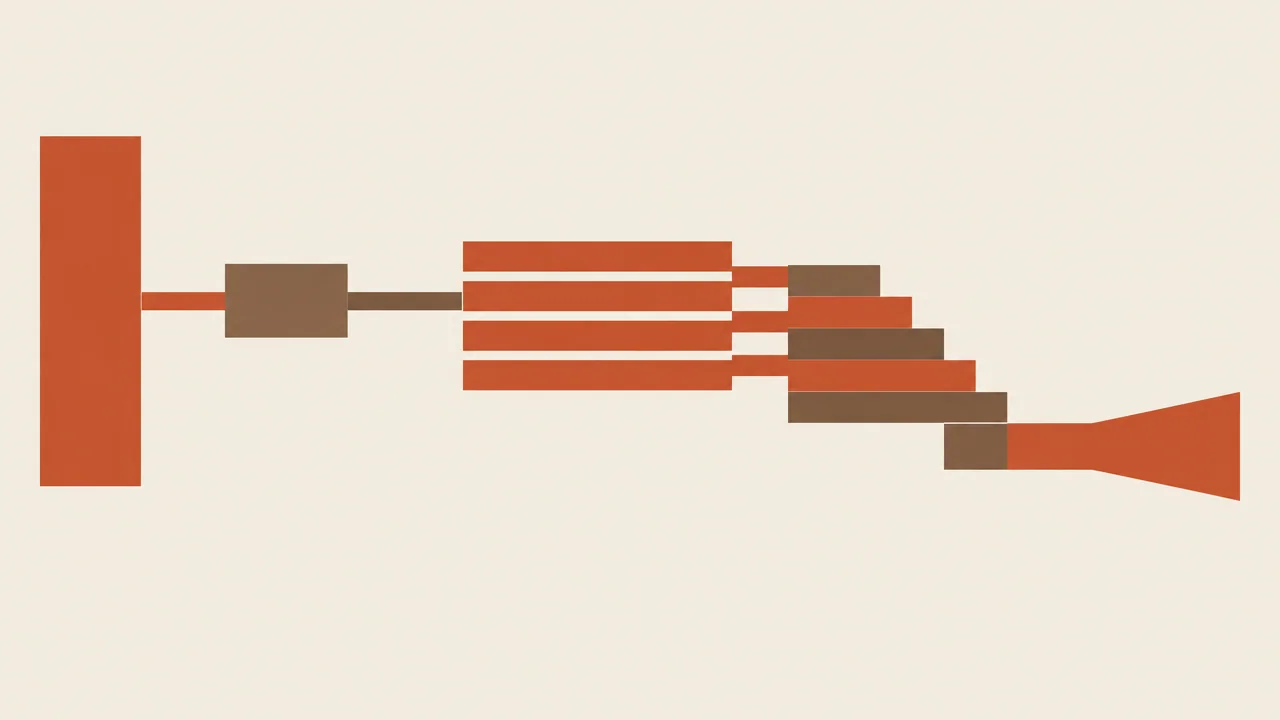
The first frame does most of the work. If you get it wrong, no amount of prompt tuning will fully rescue the clip, and you will spend iterations chasing a problem that lives in the still. Screen candidate frames against a short, explicit checklist before you spend a single generation on them.
Composition and subject crop
The frame you pick should be composed for the aspect ratio you are delivering, not merely cropped to it. If the subject sits near an edge in the still, expect the model to have very little room to move the camera without pushing the subject out of frame. Give motion somewhere to happen: lead room in the direction of an intended pan, space above a subject that might rise, foreground elements that can parallax.
Check the crop at the delivery aspect ratio, not at the source aspect ratio. A frame that looks balanced as a square can lose its subject when squeezed into a tall vertical frame.
Headroom and framing consistency
If a batch of clips will be cut together or published in sequence, keep headroom consistent across frames. Inconsistent headroom reads as sloppy editing even when each individual clip is fine. Decide a convention — for example, a fixed gap between the top of the subject's head and the top of frame — and apply it to every still in the set.
Light direction and shadow stability
Lighting drives how convincing motion looks. Strong, directional light with clear shadows gives the model structure to work with; flat, shadowless light often produces motion that reads as sliding rather than moving. Favor frames where the light direction is unambiguous, and avoid stills where a shadow could plausibly fall in two directions — that ambiguity tends to show up as flicker.
Stillness that invites motion
A good first frame implies what happens next. A subject mid-gesture, a gaze directed off-frame, a body angled toward open space — these all give the model a natural continuation. A perfectly symmetric, front-facing, static portrait is the hardest thing to animate convincingly because there is no implied direction.
Frame hygiene
Before generating, inspect the still at full resolution for artifacts: smeared edges, inconsistent hands, duplicated textures, text that will visibly warp once motion begins. Small defects in a still become obvious defects in a clip. It is almost always cheaper to fix or regenerate the frame than to re-roll the video.
Writing Shot and Pacing Prompts
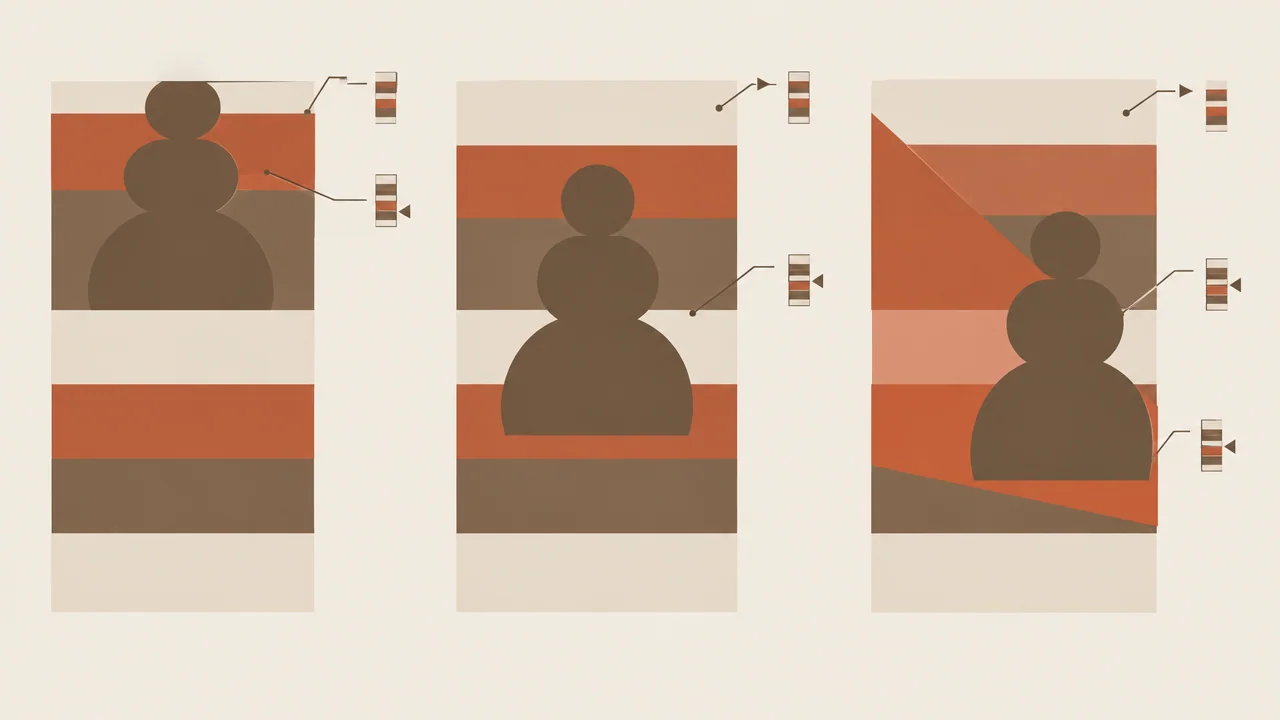
The most common prompting mistake in image-to-video is writing a scene description. The scene is already decided — it is the frame. What the model needs from you is a shot instruction: what moves, how, and how fast.
Structure the prompt as three clauses
A prompt that reliably produces usable clips tends to cover three things in order:
- Subject action — what the subject does, in concrete physical terms.
- Camera movement — what the camera does, as a single clean move.
- Pacing — how quickly the action unfolds across the clip.
For example, rather than describing a person in a room, describe the subject turning their head toward the window, a slow push-in on the camera, unfolding over the full duration. Each clause maps to something the model can act on.
Keep camera movement singular
One move per shot. A push-in or a pan or a handheld drift — pick one. Prompts that request a push-in while also orbiting and also racking focus tend to produce muddy, uncertain motion. If a shot needs two moves, that is two shots.
Pace to the platform, not to the model
Short-form audiences scroll fast. Clips that spend most of their duration establishing a static scene lose viewers before anything happens. Write pacing explicitly: front-load a small amount of motion in the first moments, then let the shot settle into its main action. Phrases that communicate tempo — gradual, brisk, continuous, settling — do more work than long lists of adjectives.
Describe motion, not mood
Mood words are cheap and mostly ignored. Physical description is not. Prefer observable statements about bodies, objects, and the camera over abstract qualities. If you want a specific emotional read, get it from action and pacing rather than from a word like "cinematic."
Version prompts like code
Keep each prompt in your repository or database next to the frame identifier, the aspect ratio, and the duration. When a clip works, you want to know exactly which combination produced it, so you can re-run that combination across a whole batch of similar frames later.
Setting Aspect Ratio and Duration
Aspect ratio and duration are the two parameters most likely to silently break a workflow, because neither is visible in a prompt and both change what counts as a good result. Decide them once, per output format, and treat them as constants.
Choosing aspect ratio
Pick the ratio your destination platform actually displays, and compose your stills for it. The practical consequence is that you should not reuse the same frame across vertical and horizontal variants without recomposing — a crop that works tall rarely works wide. If you need both, maintain two sets of stills derived from the same source shoot, each composed for its own ratio.
Once chosen, record the ratio alongside every request. Mixed ratios in a completed batch usually mean someone changed a default rather than made a decision.
Choosing duration
Short-form clips are short. Plan durations that match the format: long enough for a single clear action to complete, short enough that nothing idles. Because HiAPI bills image-to-video by output duration, over-long clips cost more and review worse — viewers rarely reach the tail of a clip that has nothing left to say.
Write the prompt to fill the duration you chose. A prompt describing an action that takes longer than the clip will produce an abrupt cut mid-motion; an action that finishes in a fraction of the duration leaves dead air at the end. Match pacing language to length deliberately.
Fix both before scaling
This is the single most important process rule in the guide. Prompt tuning is only meaningful within a fixed aspect ratio and duration, because both change how motion reads. If you tune prompts at one duration and then shorten the output, every prompt you approved becomes an untested guess. Lock the pair, tune against it, and change it only as a deliberate re-tuning event.
Parameters worth documenting per run
Keep a small record for each batch: aspect ratio, duration, model route, frame set identifier, prompt version. That four-field record is usually enough to reconstruct why a clip looks the way it does, months later, without digging through logs.
Batching Generations on HiAPI
Once a frame set and a prompt pattern are approved, generation is mechanical. The goal is a small script that fans out requests and collects results predictably, so you can run it on a schedule rather than by hand.
Credentials and configuration
Keep your API credential in an environment variable, never in the script or the repository. Read the endpoint and model route from configuration so you can point the same script at a different route later without editing code paths.
export HIAPI_API_KEY="your-key-here"
A single request you can run
The route for this workflow is wan2.7-video/image-to-video. A minimal request takes the first frame, the shot prompt, the aspect ratio, and the duration:
curl -X POST "https://api.hiapi.ai/v1/video/generations" \
  -H "Authorization: Bearer $HIAPI_API_KEY" \
  -H "Content-Type: application/json" \
  -d '{
    "model": "wan2.7-video/image-to-video",
    "image": "https://your-cdn.example/frames/shot-014.png",
    "prompt": "Subject turns toward the window; slow push-in; gradual motion settling over the clip.",
    "aspect_ratio": "9:16",
    "duration": 5
  }'
Run it once against a known-good frame before you loop anything. A single successful request confirms your credential, route name, and payload shape.
Looping over a frame set
Batch generation is the same request repeated with a different image and matching prompt. Structure your input as a list of records, each carrying the frame URL, its prompt, and an output name you control. Iterate, submit, and record the returned identifier against the input record.
Two practical rules for the loop:
- Bound your concurrency. Firing every request at once is the fastest way to hit rate limits and lose track of which response belongs to which input. A modest worker pool with retries is more reliable than a burst.
- Log the request and the result together. For each generation, persist the frame URL, prompt, aspect ratio, duration, and the returned clip reference. Without this, you cannot reproduce a good clip or explain a bad one.
Collecting output
Download clips to a deterministic folder structure keyed by frame identifier and prompt version, then hand the folder to review. Keeping the naming scheme stable means your review step is a directory listing rather than a reconciliation exercise.
Idempotency for reruns
Give each frame-prompt pair a stable hash and skip pairs you have already generated, unless you are deliberately re-rolling. Regenerating an entire batch to fill three gaps is the most common way teams waste quota in an image-to-video pipeline.
Reviewing and Iterating on Output
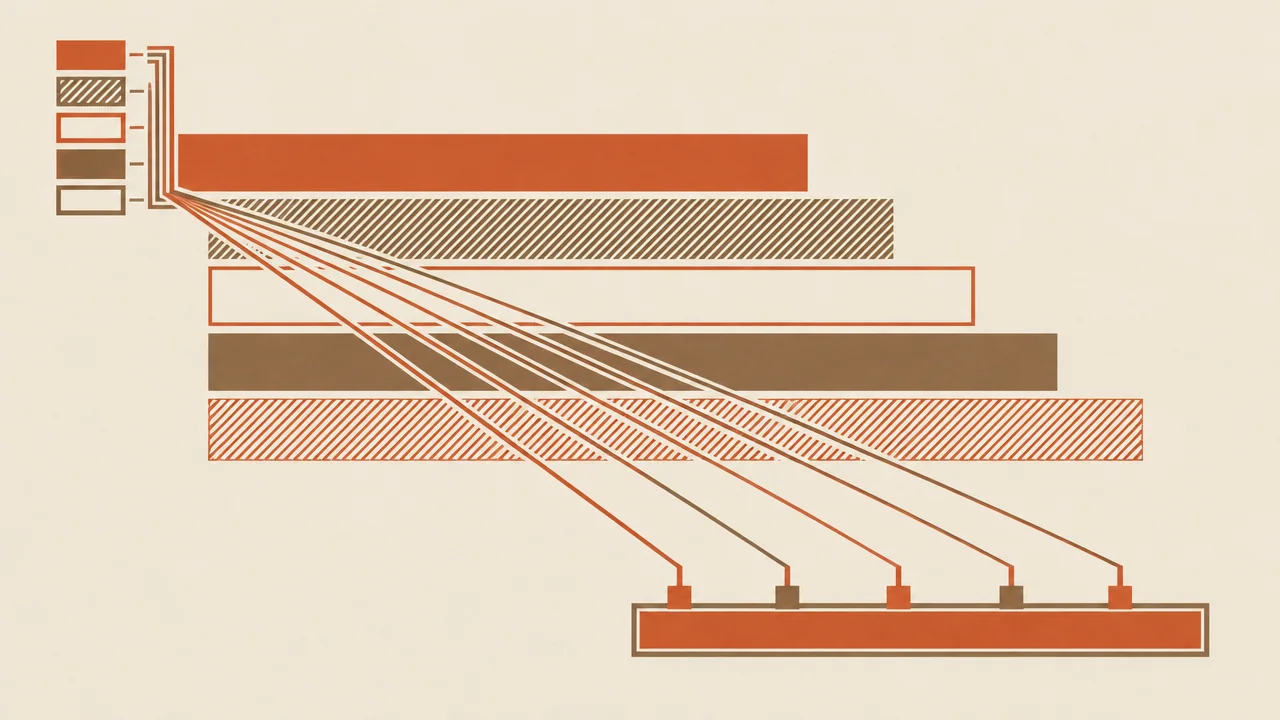
Review is a production step, not a formality. The point is to route each clip to one of three outcomes quickly — accept, re-prompt, or re-frame — so the batch keeps moving.
A short review checklist
Run every returned clip through the same ordered checks:
- First-frame fidelity — does the opening moment match the still you approved? If it drifts immediately, the issue is usually the frame, not the prompt.
- Motion plausibility — does the subject move the way bodies and objects actually move? Watch for sliding, morphing limbs, and objects that change shape.
- Camera discipline — did the camera perform the single move you asked for, or did it wander?
- Pacing fit — does the action complete within the duration, with no dead tail and no mid-motion cut?
- Artifact scan — check edges, hands, faces, background text, and any region with fine detail.
- Format check — is the aspect ratio correct, and does the subject sit within safe margins for the platform's UI overlay?
Routing the decision
- Accept if the clip passes all six checks, or fails only in ways invisible at delivery size.
- Re-prompt if the frame is good but the motion, camera, or pacing is wrong. Change one clause of the prompt and regenerate.
- Re-frame if motion artifacts trace back to ambiguity in the still — unclear light direction, awkward crop, or a subject with no implied movement.
Change one variable per iteration. Changing the frame and the prompt together tells you nothing about which fix worked.
Cheap review beats perfect takes
For short-form volume, a fast pass/fail review over many clips outperforms polishing a single clip through many re-rolls. Review at the size viewers will actually see the clip, not at full resolution, and only zoom in on clips you are about to accept. This keeps the review step proportional to the batch rather than to your anxiety.
Feed findings back
Keep a running note of which prompt patterns and frame qualities correlate with accepts. Over a few batches this turns into a house style — a short set of prompt clauses and framing rules that reliably produces clips your reviewers approve without a long argument.
Pitfalls to Avoid
Most image-to-video projects that stall in production fail for process reasons rather than model reasons. These are the recurring ones.
Tuning prompts against a moving target
Changing duration or aspect ratio mid-tuning invalidates every comparison you have made. Fix both first, then tune. If a stakeholder asks for a different format, treat it as a new tuning cycle with its own approved prompts, not as a parameter tweak.
Treating the still as an afterthought
Teams that generate one quick frame and spend all their effort on prompts hit a ceiling fast. The frame is the control signal. Budget real review time for stills and reject weak frames before they reach generation.
Scene descriptions instead of shot instructions
Prompts full of mood and backstory but empty of physical action produce clips that look nice and do nothing. Every prompt should name what moves and how fast.
Unbounded concurrency and missing logs
Bursting requests and discarding response identifiers makes batches unrecoverable. Log inputs and outputs together, bound your workers, and make reruns idempotent.
No record of what was approved
If you cannot point to the exact frame, prompt, ratio, and duration that produced an accepted clip, you cannot repeat it. The cost shows up the first time you need to extend a series and realize your best clip is unreproducible.
Over-generating to fill small gaps
Re-running a whole batch because three clips failed wastes both time and budget. Track per-item status and regenerate only what is missing.
Ignoring platform safe areas
A clip that is technically correct but has its subject under a platform's interface overlay reads as broken. Compose stills with the same safe margins you would use for any other delivered asset.
None of these are exotic. They are the ordinary disciplines of a production pipeline, applied to a model that rewards them.
Start with one approved frame and one prompt on the wan2.7-video/image-to-video route, run it end to end, and only then widen the loop to a full batch.
Related articles
View all articles →-

Guide
gpt-6.2-sol Getting Started Guide: Capability Boundaries, API Integration, and Token Pricing Essentials
Integration decisions and practical essentials for engineering teams
-

Guide
gpt-6.2-astra Getting Started Guide: Text Model Capability Boundaries, Integration Essentials, and Cost Control
-

Guide
Tripo H3.1 Getting Started Guide: Choosing Among Three Input Modes, Parameters, and Pricing
A practical guide for developers on 3D generation integration decisions and cost control