
Guide
Wan 2.7 Video Text-to-Video Prompt Recipes for Developers
Copy-paste prompt structures for shot segmentation, camera motion, pacing, and negative prompts

On this page
Why prompt structure beats prompt length
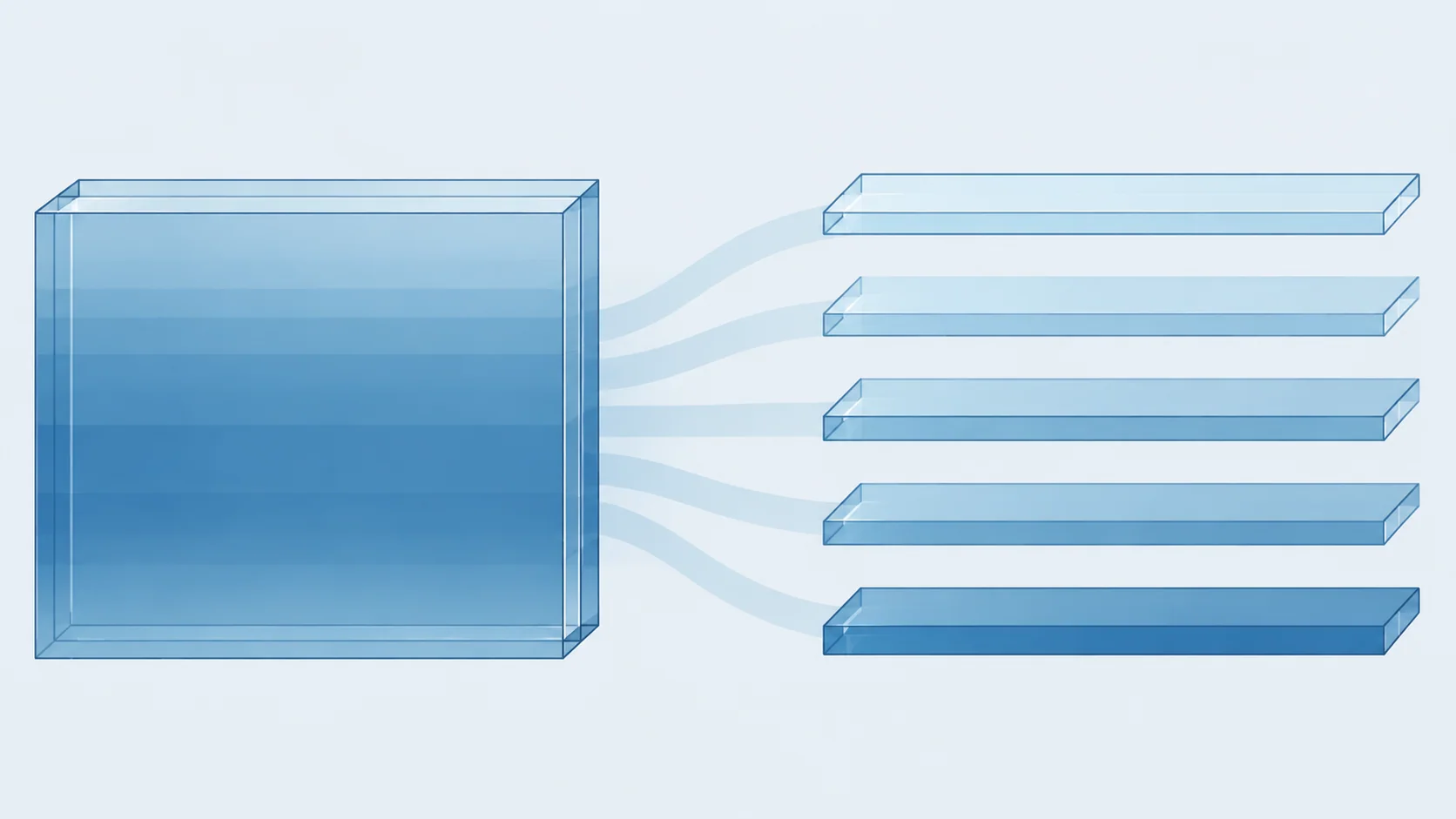
Most disappointing text-to-video renders are not caused by a prompt that is too short. They are caused by a prompt that is too unstructured. When you pack subject, action, camera, lighting, and timing into one flowing paragraph, the model has to guess which clause is the primary instruction and which is decoration. The result is a clip that is plausible but unpredictable: fine for a demo, unusable in a batch.
A structured prompt does something different. It separates the clip into explicit, labeled concerns so each one can be read independently. That has three practical benefits for developers:
- Predictability. When the camera instruction lives on its own line, changing it changes the shot — not the subject's clothing, not the lighting, not the pacing.
- Diffability. Two structured prompts can be compared line by line. Two dense paragraphs usually cannot.
- Reusability. A skeleton with named slots can be filled programmatically. A once-written paragraph can only be copy-pasted.
Length is not the goal. A well-structured prompt is often shorter than the paragraph it replaces, because every sentence earns its place. Think of it less like prose and more like a small config file: a few fields, each with a clear contract.
The practical rule
If you can't point to a line and say what it controls, cut it or move it into a slot. Adjectives that don't map to a slot ("stunning," "breathtaking," "masterpiece") tend to add noise rather than direction. Concrete nouns and verbs in the right slot do the real work. The rest of this guide builds around that idea.
The five-slot prompt skeleton
Start every clip from the same skeleton. Five slots cover the vast majority of controllable variation, and the order matters less than the consistency.
SUBJECT:   <who or what, one sentence, concrete nouns>
ACTION:    <what happens during the clip, present tense>
CAMERA:    <shot size + movement + subject framing>
LIGHTING:  <time of day, source, contrast, color temperature>
PACING:    <duration feel, motion speed, what changes by the end>
What belongs in each slot
SUBJECT pins identity. Keep it to the essentials: kind of entity, distinguishing features, wardrobe or material. Avoid telling a story here — that is ACTION's job.
ACTION describes a single continuous beat. "She turns from the window and lifts the cup" is one beat. "She turns, lifts the cup, walks to the door, and leaves" is four beats competing for one short clip.
CAMERA holds shot size and movement together, because the model reads them as one decision. "Medium shot, slow push in" is coherent. "Close-up" plus "wide establishing" in the same prompt is not.
LIGHTING gives the render a physical anchor: window light, overcast, hard midday sun, warm practical lamps. It quietly controls mood, but state it as a fact rather than an emotion.
PACING tells the model what the clip should look like at the end versus the beginning. "Slow, continuous, settles into stillness" is a pacing instruction. "Dynamic" on its own is not.
Filling it in
A filled skeleton looks like this:
SUBJECT:   a ceramic mug on a wooden desk, steam rising
ACTION:    steam curls upward and thins out
CAMERA:    close-up, locked-off, slightly low angle
LIGHTING:  soft morning window light from the left, cool shadows
PACING:    slow and continuous, nearly still by the final second
Keep every slot to one or two lines. If a slot needs a paragraph, the clip is probably trying to do too much and should become two clips.

Writing camera motion and pacing cues
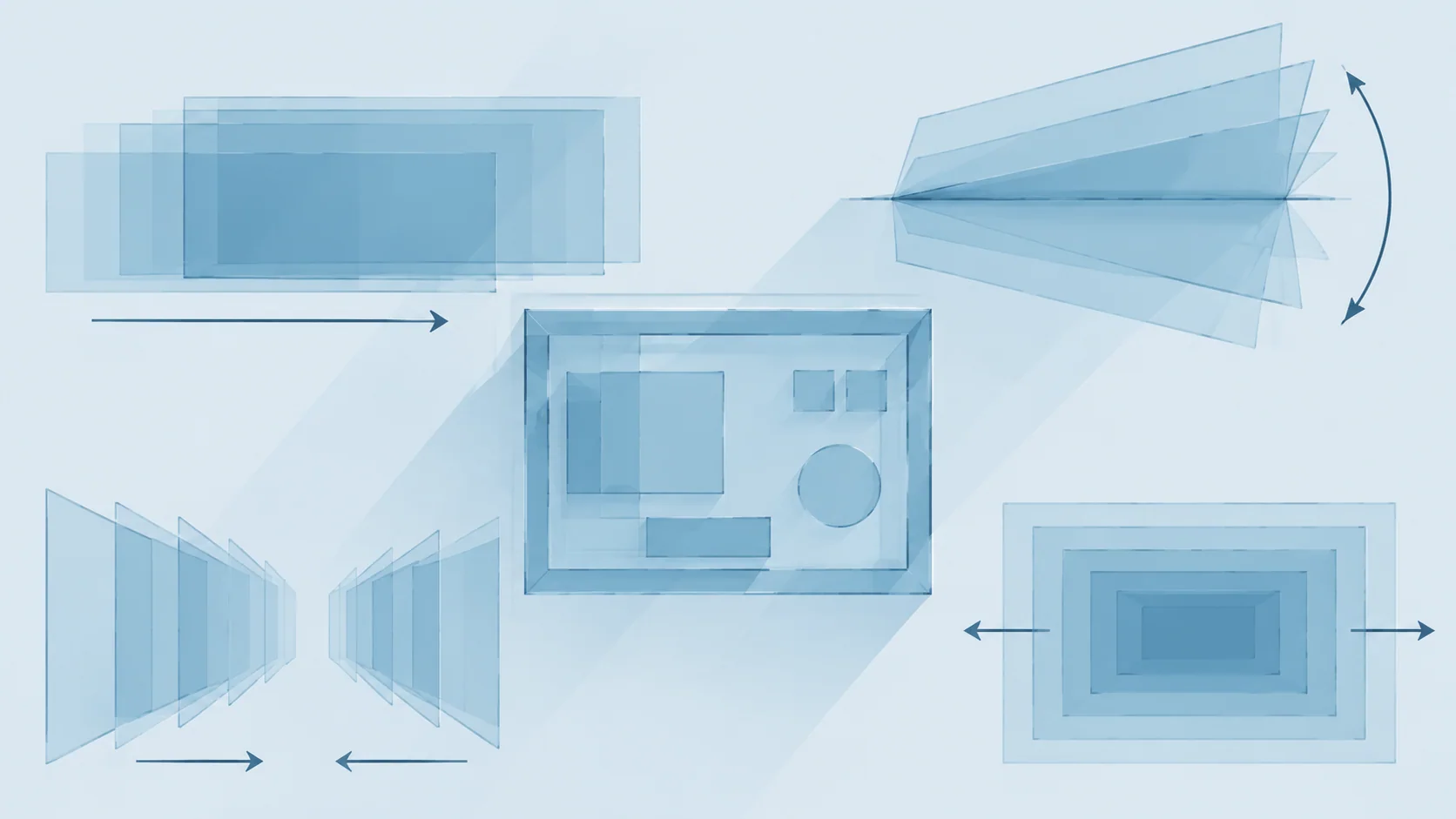
Camera language is where prompt quality diverges fastest. Vague motion verbs produce vague motion. Terms borrowed from real cinematography translate more reliably because they describe a specific geometric change.
Motion vocabulary that holds up
- Pan — the camera rotates horizontally from a fixed position. Pair with a direction: "slow pan left."
- Tilt — rotation up or down from a fixed position.
- Dolly / push in / pull out — the camera physically moves toward or away from the subject.
- Tracking — the camera moves alongside a moving subject.
- Zoom — focal length changes, camera position does not. Distinct from dolly; use one, not both.
- Orbit / arc — the camera circles the subject.
- Locked-off — no movement at all. Underused, and extremely reliable.
Always combine an axis with a speed and a subject relationship: "slow dolly in, subject centered," not just "dramatic camera." One motion per clip is the safe default. Two can work when they share an axis (a slow push in while tilting slightly up); opposing motions usually fight each other.
Pacing cues
Pacing is about the shape of the clip over time, not its literal length. Useful phrases:
- "slow, continuous motion"
- "motion resolves into stillness by the end"
- "steady speed, no acceleration"
- "subtle drift only"
Avoid stacking intensity words. "Fast, dynamic, energetic, cinematic" gives the model no shape to follow. "Steady walk-in, stops at frame center" does.
Pairing camera and pacing
Camera and pacing should agree. A locked-off close-up with "rapid movement across frame" is a contradiction. A slow push in with "subject nearly still, slight breathing motion" is coherent. When in doubt, lower the motion and raise the specificity — a still shot you described precisely beats a dynamic one you described loosely.
Building a negative prompt list
A negative prompt is a small, stable list of things you never want in a batch. Treat it as shared infrastructure rather than per-prompt improvisation.
A short core list
Keep the core list tight and artifact-focused:
blurry, low resolution, jpeg artifacts, watermark, text overlay,
distorted hands, extra fingers, warped faces, duplicate limbs,
flickering, frame tearing, abrupt cuts, oversaturated, blown highlights
That is roughly a dozen items and covers most first-pass failures. Resist the urge to grow it reactively after every bad render — a long negative list can suppress legitimate detail along with the artifacts.
Layering per-project additions
Extensions should be opt-in and scoped to the project, not the core:
core_negatives + ["logo visible", "brand colors"]        # product shots
core_negatives + ["crowd", "background people"]           # isolated subjects
core_negatives + ["rain", "wet surfaces"]                # interior scenes
This keeps the shared baseline stable while letting a project tighten its own constraints. Two rules keep the list healthy: add a term only after you've seen the artifact twice, and remove a term when you can no longer reproduce what it was fixing.
What not to put there
Don't negate style words you actively want ("no cinematic look" while asking for a filmic shot) and don't negate motion in a clip that needs motion. Negative prompts steer away from defects; they are a poor tool for steering toward a look. Use the positive slots for that.
Adapting recipes into API request patterns
Once a recipe works, stop pasting it. Store it as a template with named slots and fill those slots from parameters. The template becomes the unit you iterate on, review, and reuse.
A template object
{
  "template_id": "desk-product-closeup",
  "version": "3",
  "slots": {
    "subject": "a ceramic mug on a wooden desk, steam rising",
    "action": "{{action}}",
    "camera": "close-up, locked-off, slightly low angle",
    "lighting": "{{lighting}}",
    "pacing": "slow and continuous, nearly still by the final second"
  },
  "negative": "core_negatives"
}
Your request-building code then renders the slots into the final prompt string and sends it through the text-to-video endpoint on HiAPI.ai. The model name and endpoint stay fixed in one place; only the slot values move.
Rendered prompt assembly
PROMPT = """SUBJECT: {subject}
ACTION: {action}
CAMERA: {camera}
LIGHTING: {lighting}
PACING: {pacing}"""

def build_prompt(slots: dict) -> str:
    return PROMPT.format(**slots).strip()
Two practical conventions pay off immediately. First, keep slot values short — a slot that grows past two lines is usually two slots. Second, freeze the skeleton string and vary only the values; changing the skeleton between runs means you can no longer compare results. If a slot needs to change structurally, that is a new template version, not an inline edit.
Versioning prompts and comparing outputs
Prompt changes are cheap to make and expensive to make blind. Version them the way you version code: every render records which prompt produced it, and every prompt change has a before-and-after you can look at.
What to record per render
- template id and version
- the exact rendered prompt string, not just the slot values
- negative list version
- the output file or job id
- a one-line note on what you intended to change
That set lets you answer the question that matters after a bad batch: did this change cause the regression, or was it already there?
Comparing renders
Review in pairs, not in isolation. Pick a fixed handful of representative slot values as a smoke set — one static shot, one motion shot, one close-up, one wide — and re-render them whenever the template version bumps. Compare old and new side by side on the same inputs. If nothing changed in the smoke set, the change is probably safe. If it improved one case and broke another, you've found the boundary and can decide deliberately.
Rollback discipline
Never delete an old template version. Mark it superseded and keep it addressable. When a regression shows up two weeks later in a different scene type, the previous version is your fastest reference point. The same applies to negative lists: version them alongside templates, since a negative change can shift outputs just as much as a positive one.
Iterating without breaking working prompts
The hardest part of prompt work is not getting to a good recipe — it is improving it without losing what already worked. The failure mode is changing five things at once, liking the result, and having no idea which change helped.
Change one variable at a time
Pick a single slot or a single negative term. Hold everything else fixed, including slot values, template string, and version input. Render the smoke set. Decide. Then move to the next change.
A practical order of attack when a clip is close but not right:
- Pacing first. Softer or slower motion fixes more perceived problems than any other single edit, and rarely breaks the rest of the render.
- Camera second. Adjust shot size or movement speed, one attribute at a time.
- Lighting third. Small shifts in direction and contrast.
- Subject and action last. These are the most disruptive and the most likely to invalidate earlier tuning.
Know when to stop
Not every flaw is a prompt flaw. If three targeted edits to pacing and camera haven't moved the result, the recipe probably needs a new beat — split the clip rather than tuning it further. Similarly, if a render is good except for one persistent defect, add exactly one negative term rather than restructuring the prompt.
Keep the loop short: one edit, one smoke-set render, one decision. Over a handful of cycles, that discipline produces a prompt library you can actually trust — and templates that still render the same way next month.
Ready to run these recipes? The Wan 2.7 text-to-video model on HiAPI.ai exposes a single unified endpoint, so your templates and version tags plug straight into your existing pipeline.
Related articles
View all articles →-

Guide
gpt-6.2-sol Getting Started Guide: Capability Boundaries, API Integration, and Token Pricing Essentials
Integration decisions and practical essentials for engineering teams
-

Guide
gpt-6.2-astra Getting Started Guide: Text Model Capability Boundaries, Integration Essentials, and Cost Control
-

Guide
Tripo H3.1 Getting Started Guide: Choosing Among Three Input Modes, Parameters, and Pricing
A practical guide for developers on 3D generation integration decisions and cost control