

Black Forest Labs
FLUX.2 Klein 9B
flux-2-klein-9b/text-to-image
A 9-billion-parameter rectified-flow image model, step-distilled to 4 steps, unifying text-to-image and single/multi-reference image editing in a compact architecture, aimed at low-latency real-time generation scenarios
Try flux-2-klein-9b/text-to-image
Input
Showcases
View all showcases
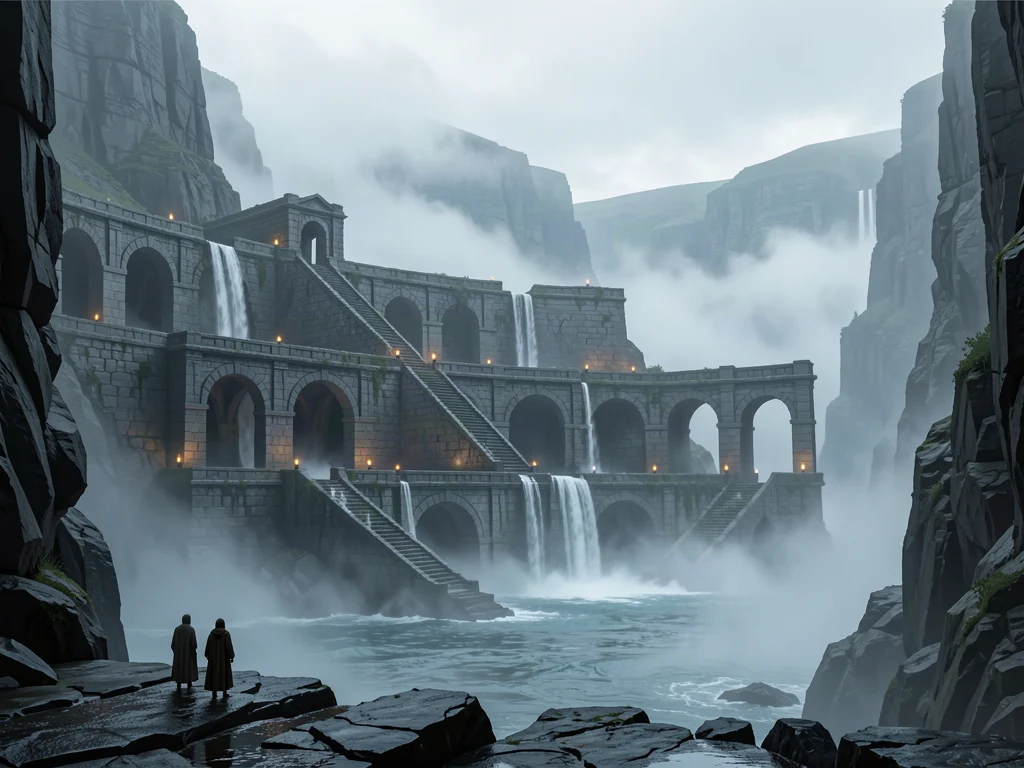
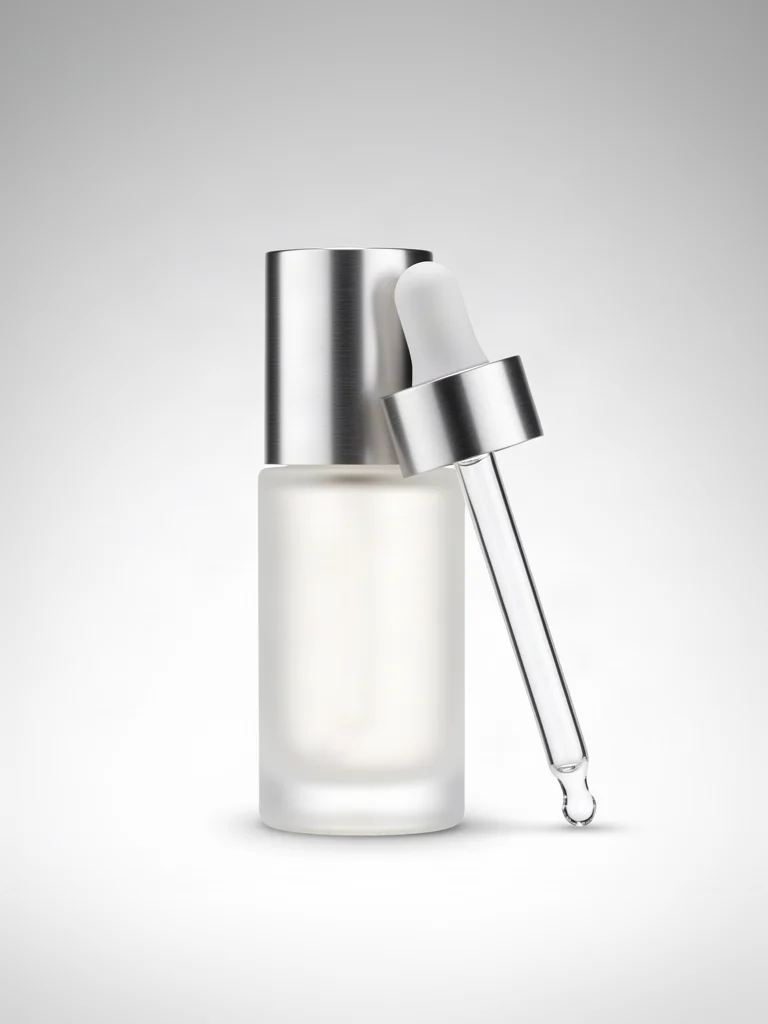

Output
imagePricing
flux-2-klein-9b/text-to-image $0.00858 per image
Overview
The text-to-image-only pipeline of FLUX.2 klein 9B, released by Black Forest Labs, focuses on balancing quality and latency. It generates images directly from text prompts, supports aspect ratios from 1:1 to 16:9, and offers three output formats: jpeg, png, and webp; inference steps can be set between 4 and 8, and generation can be completed with the default 4 steps. It is well suited for latency-sensitive batch content production, marketing visuals, and visual exploration during the prototyping stage, and developers can integrate it through the unified API on HiAPI.ai.
Key Highlights
- Low-step inference for latency-sensitive scenarios — The step-distillation design enables image generation in just 4 steps, with the parameter adjustable between 4 and 8 steps, making it easy to trade off between speed and detail.
- Fixed seed support for reproducible generation — A seed parameter is provided; the same prompt and seed combination can reproduce results, which facilitates regression testing and version comparison.
- Output parameters aligned with engineering pipelines — Aspect ratios cover the commonly used compositions 1:1, 4:3, 3:4, 16:9, and 9:16, and outputs can be selected directly as jpeg, png, or webp, eliminating the need for additional transcoding.
Capabilities
- Text-to-image generation: Pass in a text prompt to obtain the corresponding image, with no required reference image; only prompt is needed, and all other parameters have default values, keeping integration costs low.
- Inference step and seed control: num_inference_steps can be adjusted between 4 and 8 to change generation detail, while seed locks randomness, making it suitable for evaluation and debugging that require stable reproduction.
- Composition ratios and output formats: aspect_ratio covers five ratios across portrait, landscape, and square formats, and output_format supports jpeg, png, and webp, so generated results can directly match page placements and storage requirements.
Use Cases
- Batch image production for content teams — Use product or topic descriptions as input to generate images in batches, specify the ratio and output format, and use them directly for articles, landing pages, and social media assets.
- Visual draft exploration for product prototypes — Use short prompts to quickly produce multiple composition options, and reproduce candidate styles with fixed seeds for direction screening before design review.
- Integration into real-time or high-frequency image generation applications — For latency-sensitive online features, generate images with the default 4-step inference and adjust the number of steps as needed to control quality and processing time.
Limitations and Selection Advice
This pipeline generates images from plain text only and does not accept reference images. When editing existing images or changing styles is required, choose the image-to-image pipeline in the same series. Inference steps support only 4 to 8 steps, not finer long-sampling adjustments; apart from prompt, there are no parameters such as negative prompts. The model card imposes constraints on out-of-scope use, so check the original license text before commercial use. If a task requires other modalities such as video or audio output, this model is not suitable.
Frequently asked questions
View all FAQs →-
How many references does FLUX.2 [klein] 9B Image to Image accept?
It currently accepts one JPEG, PNG, or WebP reference. image_urls must contain exactly one public image URL.
-
Which editing tasks is it best for?
It is suited to product cleanup, background replacement, in-image text rewriting, color changes, and commercial edits that preserve subject and camera.
-
How do I set inference steps?
num_inference_steps accepts integers from 4 to 8 and defaults to 4. The current price does not change with the step count.
-
Which ratios and formats are supported?
Ratios: 1:1, 4:3, 3:4, 16:9, and 9:16. Formats: JPEG, PNG, and WebP.
Create a generation task
https://api.hiapi.ai/v1/tasks Headers
AuthorizationstringRequiredAccount API key. Required on every request. Example: Bearer YOUR_HIAPI_API_KEY. Get your API key
Content-TypestringOptionalThe request body is always parsed as JSON; when sent, only application/json (optionally with charset) is accepted — any other value returns 415. Example: application/json.
Idempotency-KeystringOptionalIdempotency key, up to 255 bytes. Retries with the same key from the same account create the task only once; replays return the original taskId.
On network timeouts or client retries, the same key creates the task only once — no double charges (scope: the API key's account). Use a business-unique identifier as the key (e.g. "order-42"); replays return the original taskId, and keys expire 24 hours after the first request. See the Unified Async API overview for the full scenario matrix.
Body
modelstringRequiredCurrent fixed value: flux-2-klein-9b/text-to-image
routestringOptionalCurrent fixed value: default
inputobjectRequired
Business parameters for flux-2-klein-9b/text-to-image and route default — see the parameter table below.
seedintegerOptionalRandom seed used for reproducibility of the generated result; takes an integer.
promptstringRequiredText prompt used for image generation; takes a string.
aspect_ratiostringOptionalDefault: "4:3"Aspect ratio of the generated image; takes a string. Default is 4:3.
1:14:33:416:99:16output_formatstringOptionalDefault: "png"Output format of the generated image; takes a string. Default is png.
jpegpngwebpnum_inference_stepsintegerOptionalDefault: 4min 4max 8Number of inference steps; takes an integer between 4 and 8. Default is 4.
callbackobjectOptional
Terminal-state notification config. When omitted, no callback is delivered — poll the task yourself. See the callback note below.
Provide callback.url when creating a task and HiAPI POSTs to your service once the task reaches a terminal state — no polling needed. The callback payload mirrors the task detail structure; signature verification, delivery retries and idempotency are documented on the Unified Async API overview page.
urlstringRequiredRequired when callback is present. A POST is sent to this URL once the task reaches a terminal state; must be a valid http(s) URL.
whenstringOptionalDefault: "final"Only final is supported today — notified on both success and fail.
finalstoragestringOptionalDefault: "temp"Artifact storage tier: temp (default, retained about 7 days) or persistent (long-term, billed by size). Insufficient balance or exceeding the storage cap silently downgrades to temp; the effective tier is shown in the task detail response.
temppersistentRequest examples
# Submit an async task; returns a taskId immediately (no waiting for generation)
curl -X POST "https://api.hiapi.ai/v1/tasks" \
  -H "Authorization: Bearer $HIAPI_API_KEY" \
  -H "Content-Type: application/json" \
  -d '{
  "model": "flux-2-klein-9b/text-to-image",
  "input": {
    "prompt": "…",
    "aspect_ratio": "4:3",
    "output_format": "png",
    "num_inference_steps": 4
  }
}'
const res = await fetch("https://api.hiapi.ai/v1/tasks", {
method: "POST",
headers: {
Authorization: `Bearer ${process.env.HIAPI_API_KEY}`,
"Content-Type": "application/json",
},
body: JSON.stringify({
model: "flux-2-klein-9b/text-to-image",
input: {
"prompt": "…",
"aspect_ratio": "4:3",
"output_format": "png",
"num_inference_steps": 4
}
}),
});
const task = await res.json();
// { code: 200, message: "success", data: { taskId } }import os, requests
res = requests.post(
"https://api.hiapi.ai/v1/tasks",
headers={"Authorization": f"Bearer {os.environ['HIAPI_API_KEY']}"},
json={
"model": "flux-2-klein-9b/text-to-image",
"input": {
"prompt": "…",
"aspect_ratio": "4:3",
"output_format": "png",
"num_inference_steps": 4
}
},
)
print(res.json()) # { code, message, data: { taskId } }200 OK
{
  "code": 200,
  "message": "success",
  "data": {
    "taskId": "tk-hiapi-01HZTQ8BX2N3GM3YFK4Z9D7VQR"
  }
}
400 Bad Request
{
  "code": 400,
  "message": "invalid request",
  "data": null,
  "error_code": "INVALID_REQUEST"
}
Get task detail
https://api.hiapi.ai/v1/tasks/:id Response fields
taskIdstringRequiredTask ID, always prefixed with tk-hiapi-.
modelstringRequiredResolved full model name. Tasks submitted with the route parameter return base@route (e.g. gpt-image-2/text-to-image@ext); otherwise identical to the name passed at creation.
routestringOptionalPresent only when the task was submitted with an explicit route parameter; echoes the submitted value.
statusstringRequiredTask status.
queued Queued, not started yet.
handling Being processed.
archiving Processing finished, artifacts being prepared.
success Terminal: completed, artifacts available (output returned).
fail Terminal: failed (error returned).
After submission, check status: success and fail are terminal, everything else is non-terminal. Poll every 1–3 seconds until terminal. On success, download artifacts from output[].url and transfer them before expireAt; pass storage: "persistent" at creation time when long-term retention is needed.
creatednumberRequiredTask creation time (Unix seconds).
completednumberRequiredUnix seconds when the task reached a terminal state; fixed to 0 while not terminal.
outputarrayOptional
Present only when status == success. Artifact list — always an array; a single task may return multiple types at once (e.g. video + first_frame).
Array [ object ]
Array items
urlstringRequiredArtifact URL, directly downloadable.
typestringRequiredCurrent possible values: video, image, audio, first_frame, last_frame, thumbnail; more may be added later.
expireAtnumberRequiredUnix seconds until which the artifact remains accessible; download or transfer before it expires.
errorobjectOptional
Present only when status == fail.
codestringRequiredBusiness error code.
messagestringRequiredError description.
Response examples
Success
{
  "code": 200,
  "message": "success",
  "data": {
    "taskId": "tk-hiapi-01HZTQ8BX2N3GM3YFK4Z9D7VQR",
    "model": "happyhorse-1-0",
    "status": "success",
    "created": 1777282033,
    "completed": 1777282099,
    "output": [
      {
        "url": "https://cdn.hiapi.ai/tasks/.../video.mp4",
        "type": "video",
        "expireAt": 1777886899
      }
    ]
  }
}
Processing (non-terminal)
{
  "code": 200,
  "message": "success",
  "data": {
    "taskId": "tk-hiapi-...",
    "model": "happyhorse-1-0",
    "status": "archiving",
    "created": 1777282033,
    "completed": 0
  }
}
Failed
{
  "code": 200,
  "message": "success",
  "data": {
    "taskId": "tk-hiapi-...",
    "model": "happyhorse-1-0",
    "status": "fail",
    "created": 1777282033,
    "completed": 1777282099,
    "error": {
      "code": "TASK_FAILED",
      "message": "task failed"
    }
  }
}Articles
View all articles →-
Guide
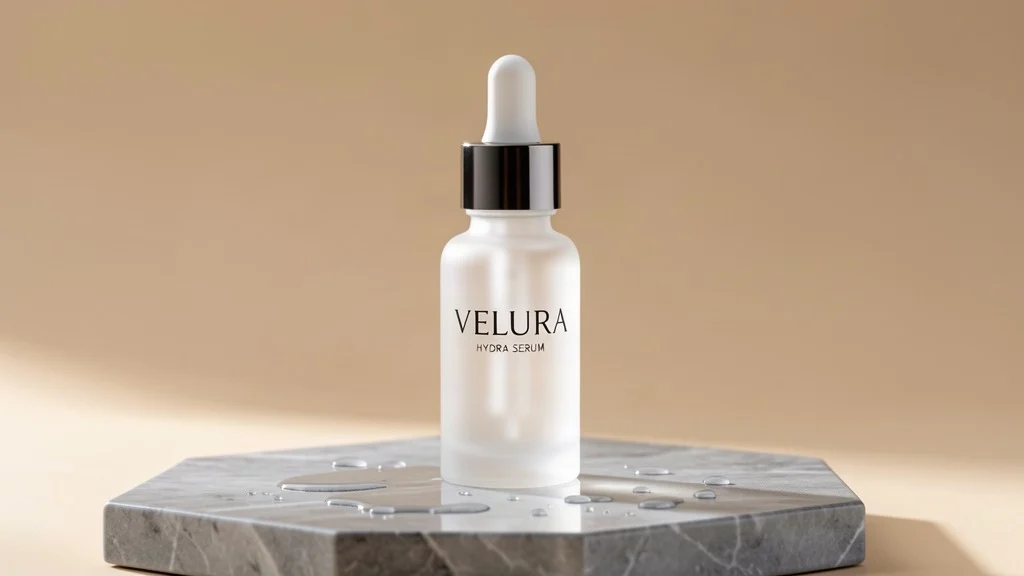
Using flux-2-klein-9b/text-to-image for E-Commerce Product Images via the hiapi API
-

Guide
FLUX.2 API Pricing in 2026: Cost Breakdown and How to Access It
Per-image prices for all six FLUX.2 SKUs — Pro, klein 9B and klein 4B — what each tier really costs, what $1 and $10 buy, and how to call them on HiAPI.
5 -

Tutorial
How to Use flux-2-klein-9b/text-to-image via the hiapi API
-

Tutorial
flux-2-klein-9b API: curl & Python Guide
-
Guide
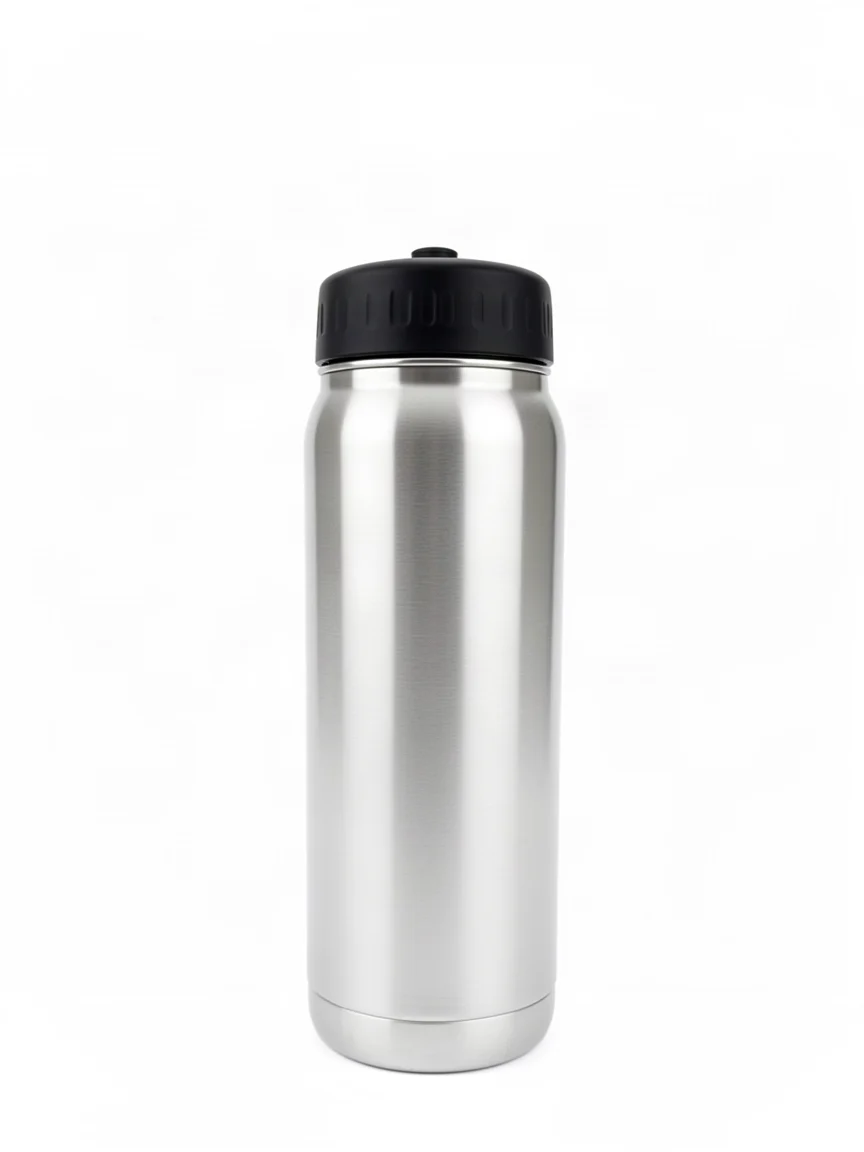
Flux-2-Klein-9b Image-to-Image for E-Commerce Product Photos
A hands-on workflow for editing existing product photos with flux-2-klein-9b/image-to-image on the hiapi API — real prompts, real outputs, and batch code included.
-

Tutorial
How to Use flux-2-klein-4b/text-to-image via the hiapi API
-

Guide
Cheapest Image and Video Generation APIs: Live Prices on HiAPI
The lowest-cost image and video models on HiAPI with today's prices, how to work out cost per image you keep, and FLUX.1 Schnell outputs at $0.005.
8
Related Models
View all models →Same Type
-
 Grok Imagine xAI $0.011 /second
-
 FLUX.1 Schnell Black Forest Labs $0.005 /image
-
 FLUX 3 Image Klein Black Forest Labs $0.0092 /image
-
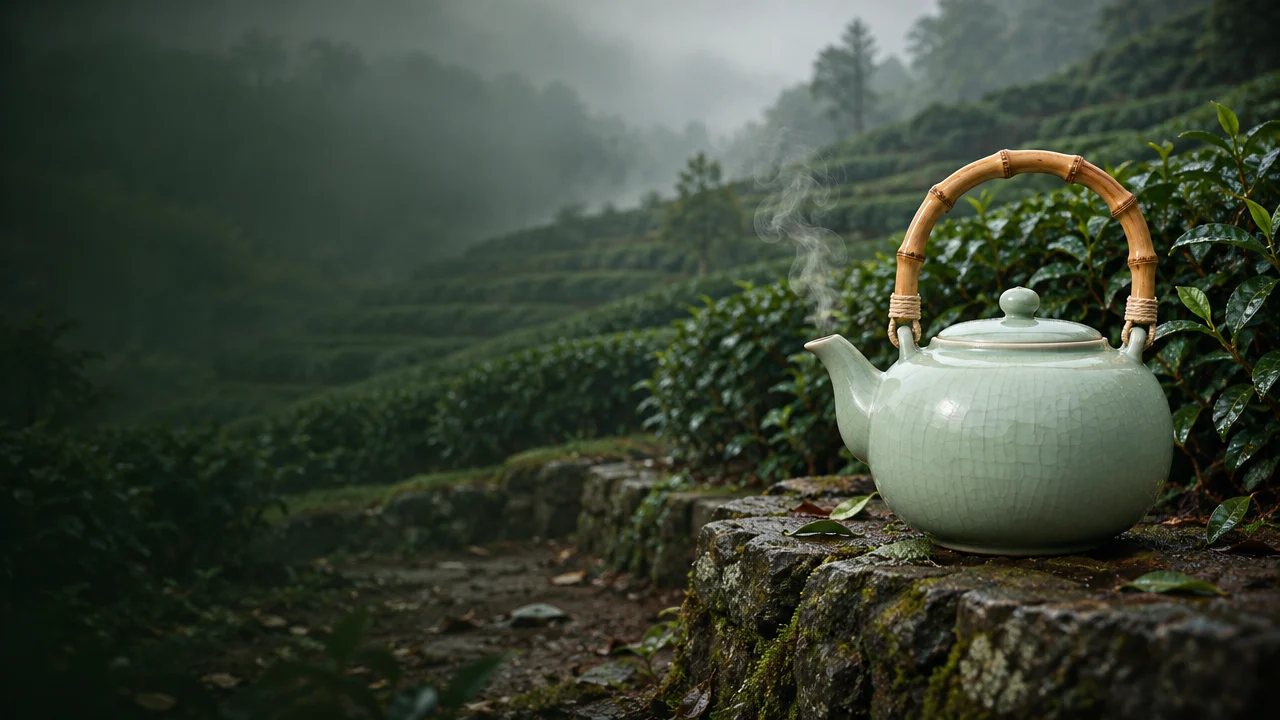 BRIA Product Shot Bria $0.058 /image
-
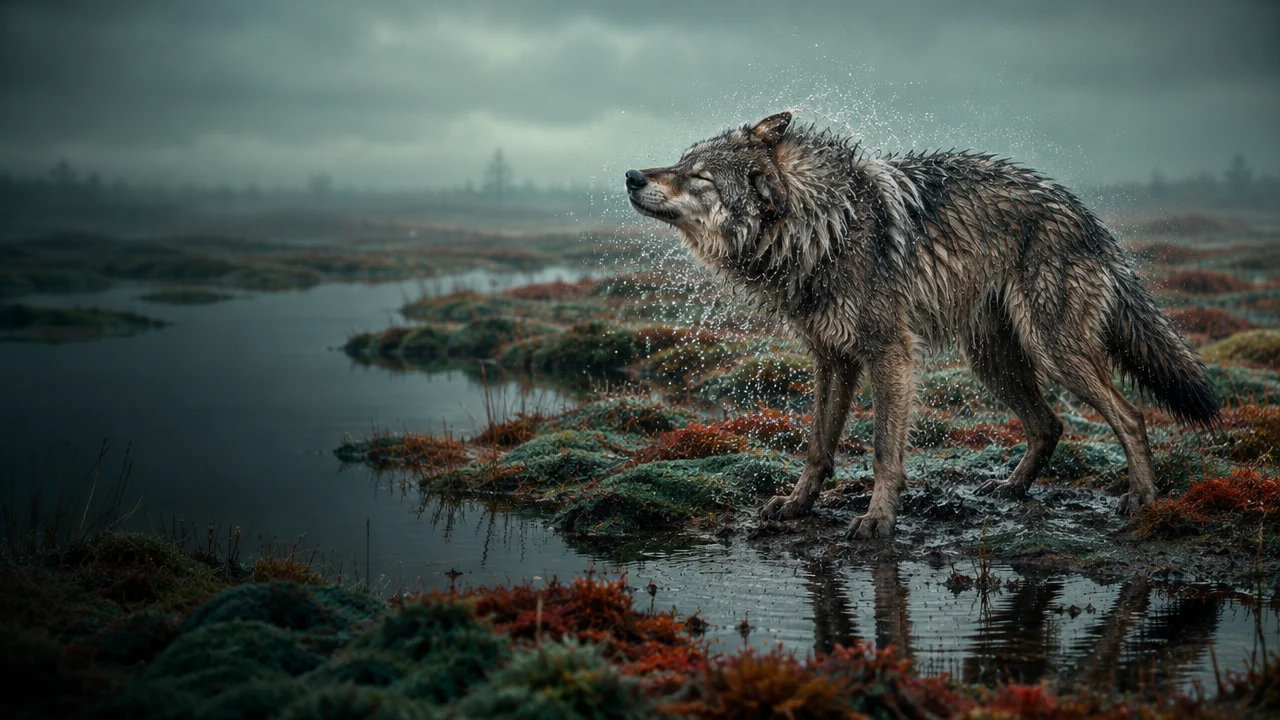 Imagen 4 Google $0.030 /image
-
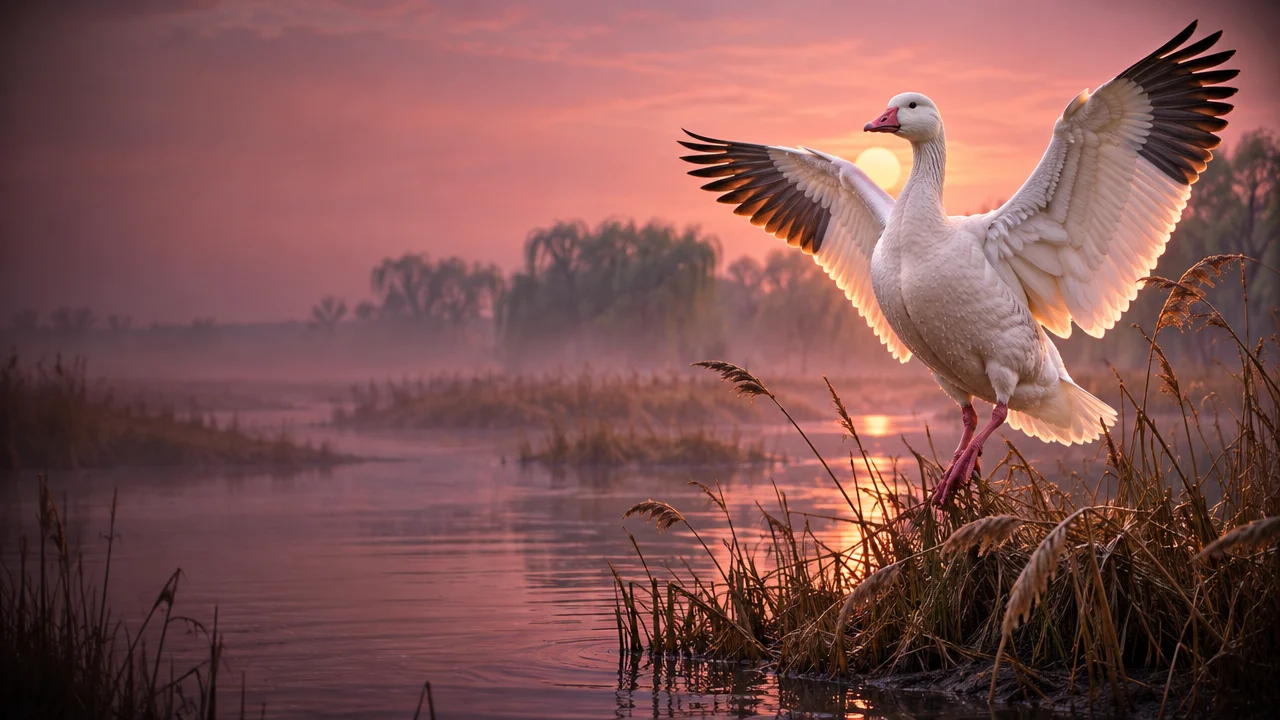 Ideogram V3 Character Ideogram $0.090 /image
-
 Qwen Image 3.0 Alibaba $0.036 /image
-
 Grok Imagine Quality xAI $0.070 /image
-
 Ideogram 4.6 Ideogram $0.011 /image
-
 Ideogram V4 Ideogram $0.050 /image
-
 Wan 2.7 Image Alibaba $0.035 /image
-
 MiniMax H3 Image MiniMax $0.013 /image
Same Provider
- FLUX 3 Image Klein Black Forest Labs $0.0092 /image
-
 FLUX.2 Black Forest Labs $0.035 /image
-
 FLUX 3 Video Black Forest Labs $0.090 /second
-
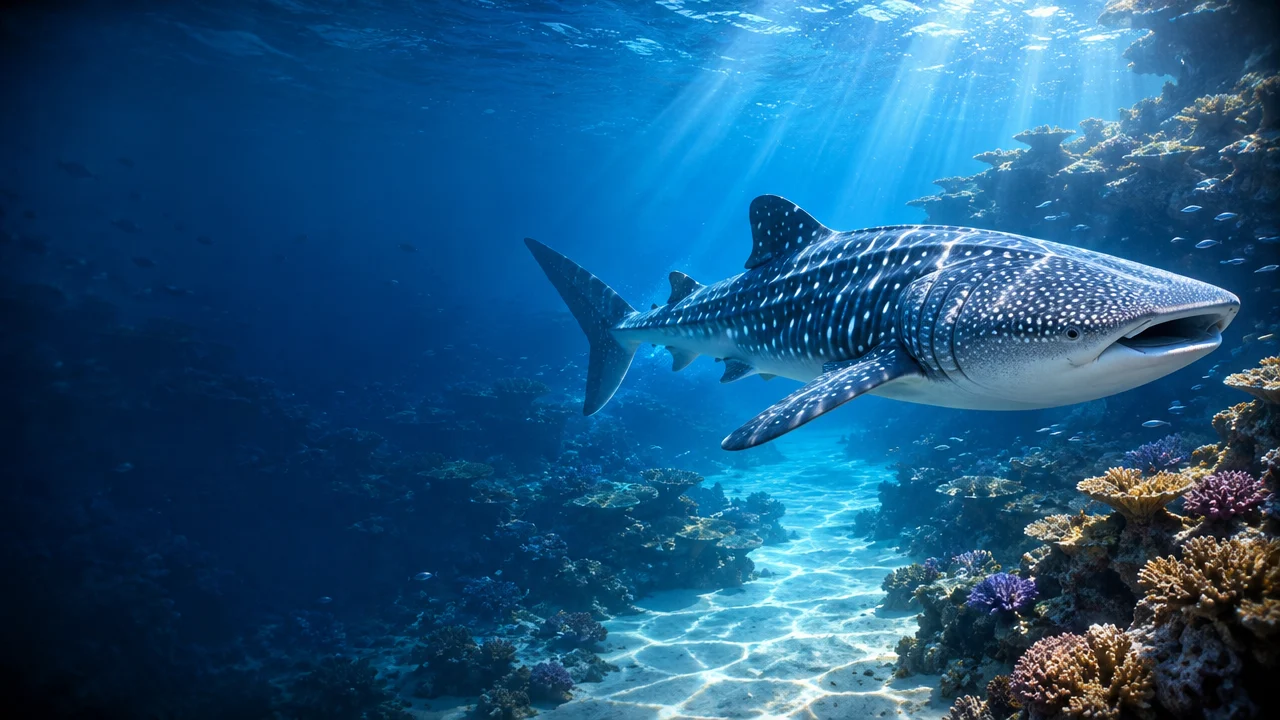 FLUX.2 Klein 4B Black Forest Labs $0.0004 /image
-
 FLUX.1 Fill Pro Black Forest Labs $0.071 /image
-
 FLUX.1 Kontext Max Black Forest Labs $0.071 /image
- FLUX.1 Schnell Black Forest Labs $0.005 /image
-
 FLUX 3 Max Black Forest Labs $0.243 /second
-
 FLUX 3 Image Black Forest Labs $0.041 /image
-
 FLUX 1.1 Pro Black Forest Labs $0.050 /image