
Comparison
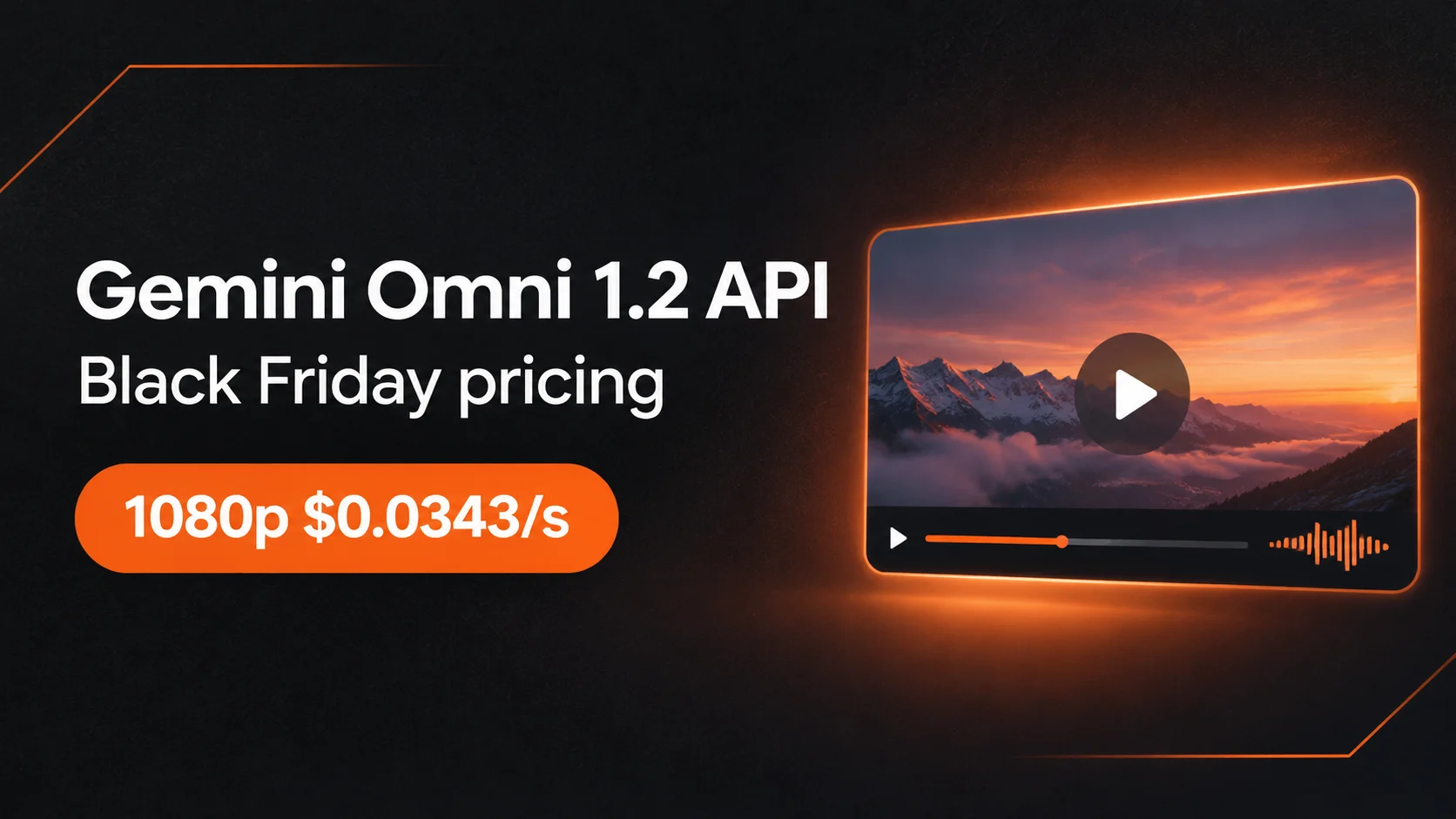
Gemini Omni 1.2 API on Black Friday: 1080p for $0.0343 a Second
Per-second prices, how they compare with Google and other platforms, and Black Friday math by volume
On this page
Gemini Omni 1.2 Flash on HiAPI is $0.0343 a second at 720p and the same at 1080p, and $0.08 a second at 4K. There's no separate charge for input tokens, so a 10-second 1080p clip is $0.343, whatever the prompt length or number of reference images. HiAPI's Black Friday runs Nov 24 to Nov 30 (PT), and Omni counts as video spend for both the top-up bonus and spend-back.
Price per second
| Resolution | Per second | 10-second clip |
|---|---|---|
| 360p | $0.0229 | $0.229 |
| 720p | $0.0343 | $0.343 |
| 1080p | $0.0343 | $0.343 |
| 4K | $0.08 | $0.80 |
- 720p and 1080p cost the same. If you were going to deliver 1080p, there's no reason to render at 720p to save money.
- Clips are 3 to 15 seconds, 10 by default, in 16:9 or 9:16. With a first and last frame, the limit is 10 seconds.
- 1080p and 4K are upscaled from the model's output, and a 4K clip may come back without an audio track. For clips that need sound, 1080p is the safer choice.
How it compares
Per-second rates on each platform's own pricing page, checked on Nov 16 (Beijing time).
| Platform | 720p | 1080p | 4K | Input tokens |
|---|---|---|---|---|
| HiAPI | $0.0343 | $0.0343 | $0.08 | not charged |
| Google Gemini API (Standard) | about $0.07 | about $0.104 | about $0.209 | $1.50 per 1M |
| fal | $0.0819 | $0.1229 | $0.2457 | $1.50 per 1M |
| Replicate | $0.105 | $0.155 | $0.31 | — |
| KIE (per clip, 8 s) | $0.525 a clip (about $0.066/s) | same as 720p | $0.945 a clip (about $0.118/s) | — |
- Google bills Omni 1.2 by output tokens. Its pricing page converts that into the effective per-second prices above: "approximately $0.07 per second" at 720p, $0.104 for 1080p and $0.209 for 4K.
- Evolink bills by tokens at the same output rate as Google, so its per-second cost works out about the same as Google's.
- KIE charges per clip, and its page doesn't name the Omni version.
- At 360p, HiAPI ($0.0229) is about the same as Google ($0.023). The difference shows up from 720p.
Black Friday by volume
| What you make | List price | What Black Friday gives you | Actual cost |
|---|---|---|---|
| 300 clips, 10 s, 1080p | $102.90 | Top up $110, get $8.80 (8%); spend $102.90, get 10% back ($10.29) | about $84, 81% of list |
| 1,000 clips, 10 s, 1080p | $343 | Top up $350, get $35 (10%); spend $343, get 15% back ($51.45) | about $257, 75% of list |
| 200 clips, 10 s, 4K | $160 | Top up $170, get $13.60 (8%); spend $160, get 10% back ($16) | about $130, 81% of list |
"Actual cost" is what you pay minus what's left in your balance after the event: unused bonus credit plus the spend-back paid on Dec 3. Image, video and audio spend all count toward the spend-back tier. The bonus is capped at $50 per account and spend-back at $100.
At 1,000 clips, that's about $0.26 for a 10-second 1080p clip with sound.
Three ways to spend less
- Render 1080p, not 720p. Same price, sharper result.
- Write longer prompts if you need to. HiAPI doesn't charge input tokens, so a detailed prompt with up to 10 reference images costs the same as a short one.
- Top up once. The bonus is per payment: one $300 top-up gets $30, three $100 top-ups get $24.
New accounts get 200 free credits ($0.10), enough for a 4-second 360p test ($0.0916) before Black Friday.
Model page: Gemini Omni 1.2 Flash. Code: curl and Python examples. More: Omni 1.2 guide · Omni 1.2 vs other video models.
FAQ
Does the per-second price drop during Black Friday? No. Black Friday adds a top-up bonus and spend-back; the list price stays the same, so the effective price per second goes down.
Is the price the same for text-to-video, image-to-video and reference images? Yes. HiAPI prices Omni 1.2 by output resolution and seconds only.
Does 4K include sound? Not always. 4K is upscaled and may come back without an audio track. For clips that need sound, use 1080p, which costs the same as 720p.
Related articles
View all articles →-
Comparison
gpt-6.2-sol vs. comparable models: How developers should choose and migrate
Make a side-by-side decision across three dimensions: capability boundaries, pricing structure, and migration cost
-
Comparison
gpt-6.2-astra Side-by-Side Comparison and Selection Guide: How Developers Can Decide Whether It Is Worth Integrating
-
Comparison
Tripo H3.1 Side-by-Side Comparison and Selection Guide: How to Choose Among Three 3D Generation Paths and How to Save
A developer-oriented trade-off between pricing and capability, starting from input form, geometric refinement, and PBR/texture switches